This page is a showcase. StudyLoop runs on your own computer: clone the repository and run uv run studyloop, or double-click run.bat. Every screenshot below is the real app, captured after the input in its caption was typed or loaded.
Turn any textbook, lecture notes or web article into a personal tutor that runs on your own computer, with no GPU, no account and no model required. It is for students and self-learners who want to study a text actively and get answers they can check against the source.
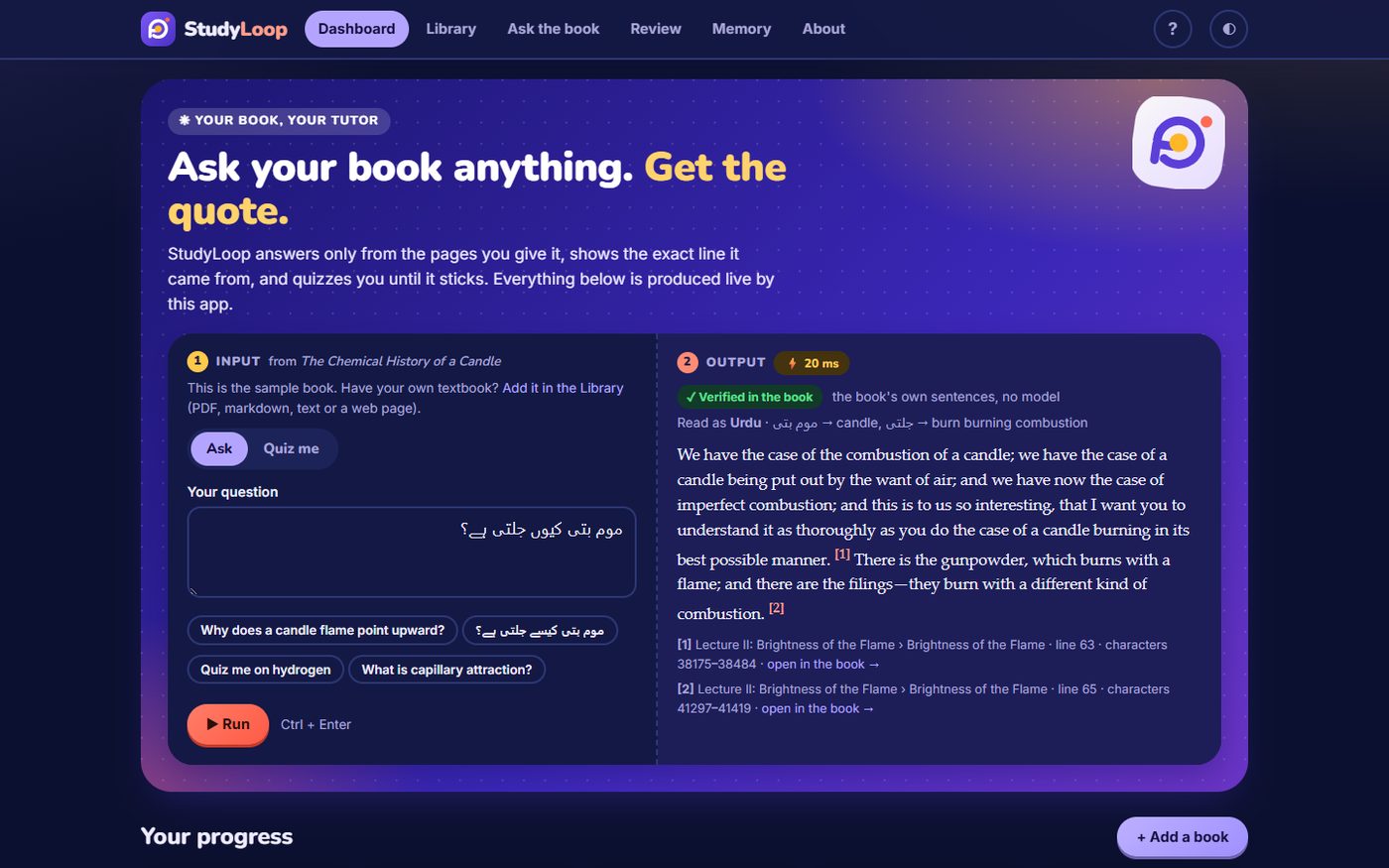
Add a PDF, a markdown or text file, pasted notes or a web address. StudyLoop turns it into a navigable course (chapters, topics, key concepts), answers questions using only the book and shows exactly where every quote sits, quizzes you topic by topic, tracks what you know, tells you what to review next, and remembers your progress, notes and questions between sessions. Questions can be asked in English, Urdu or Roman Urdu.
What it does
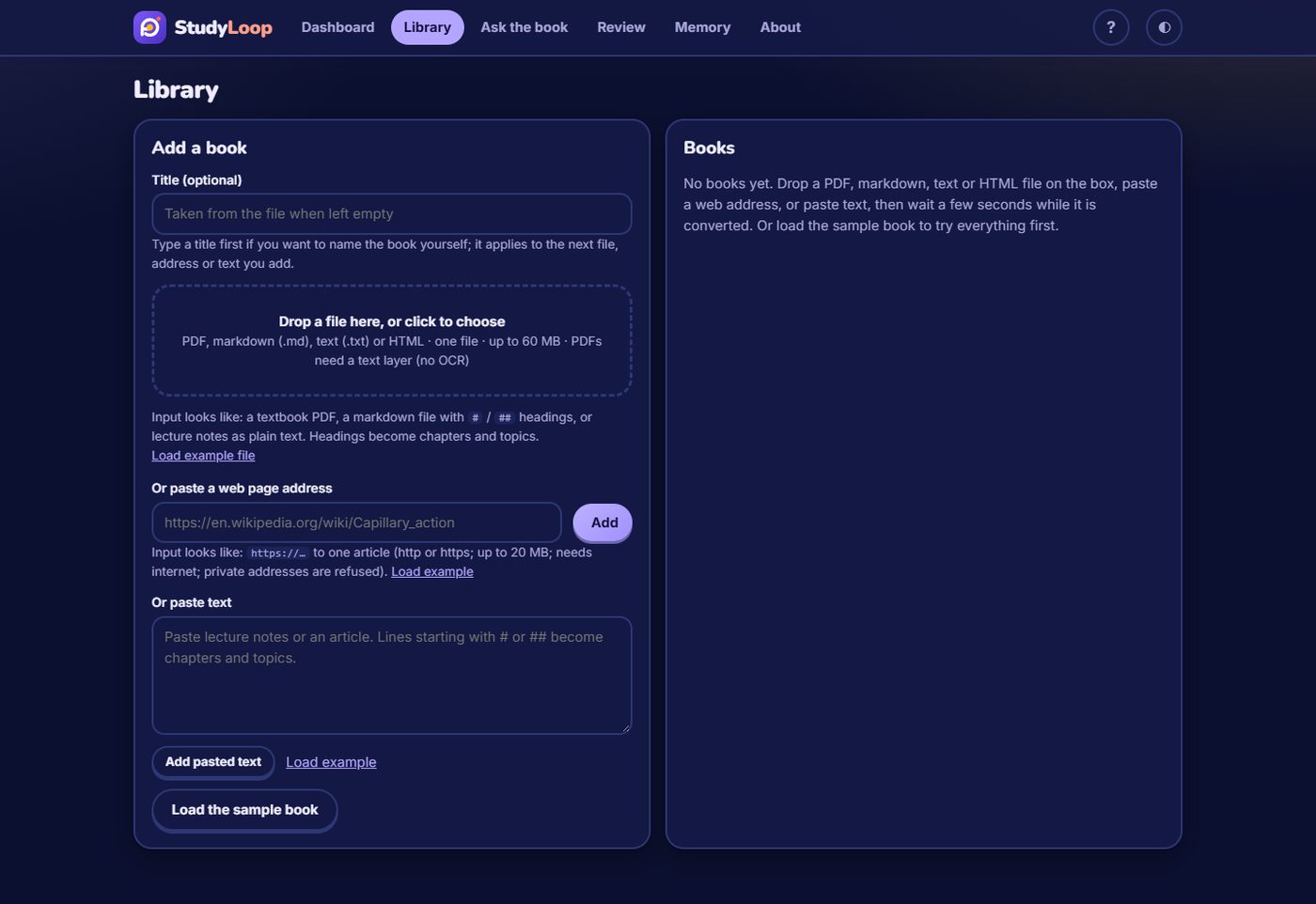
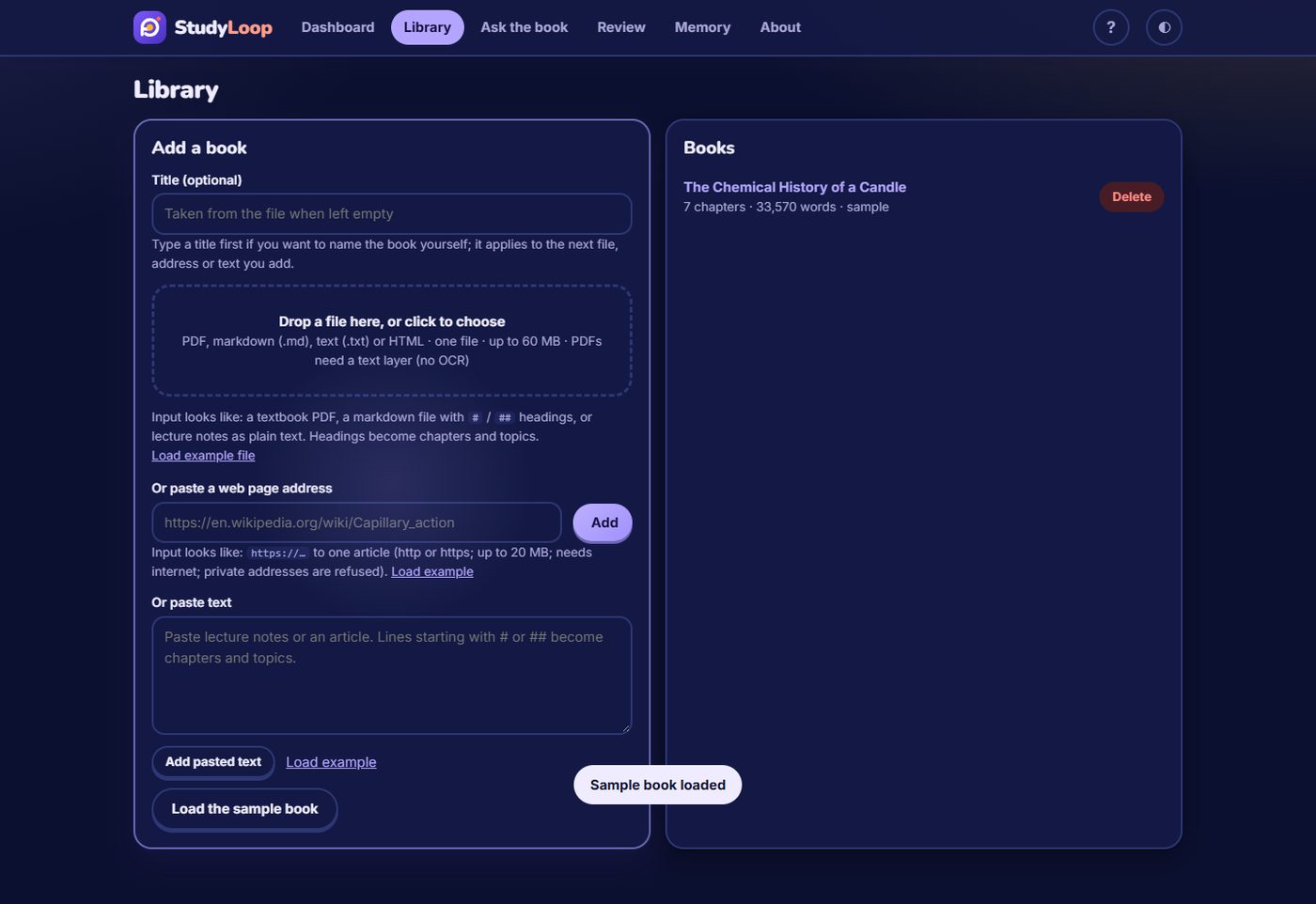
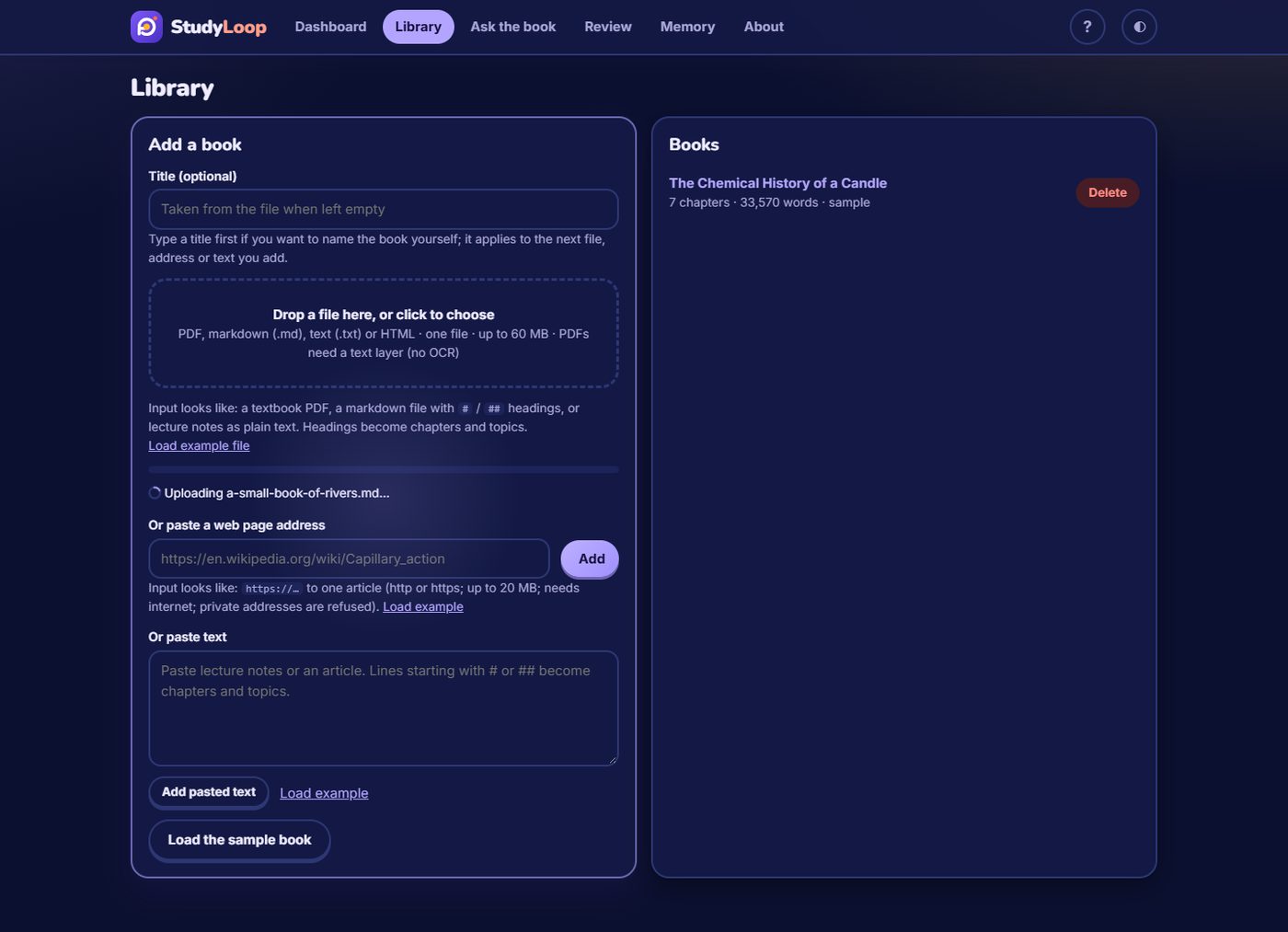
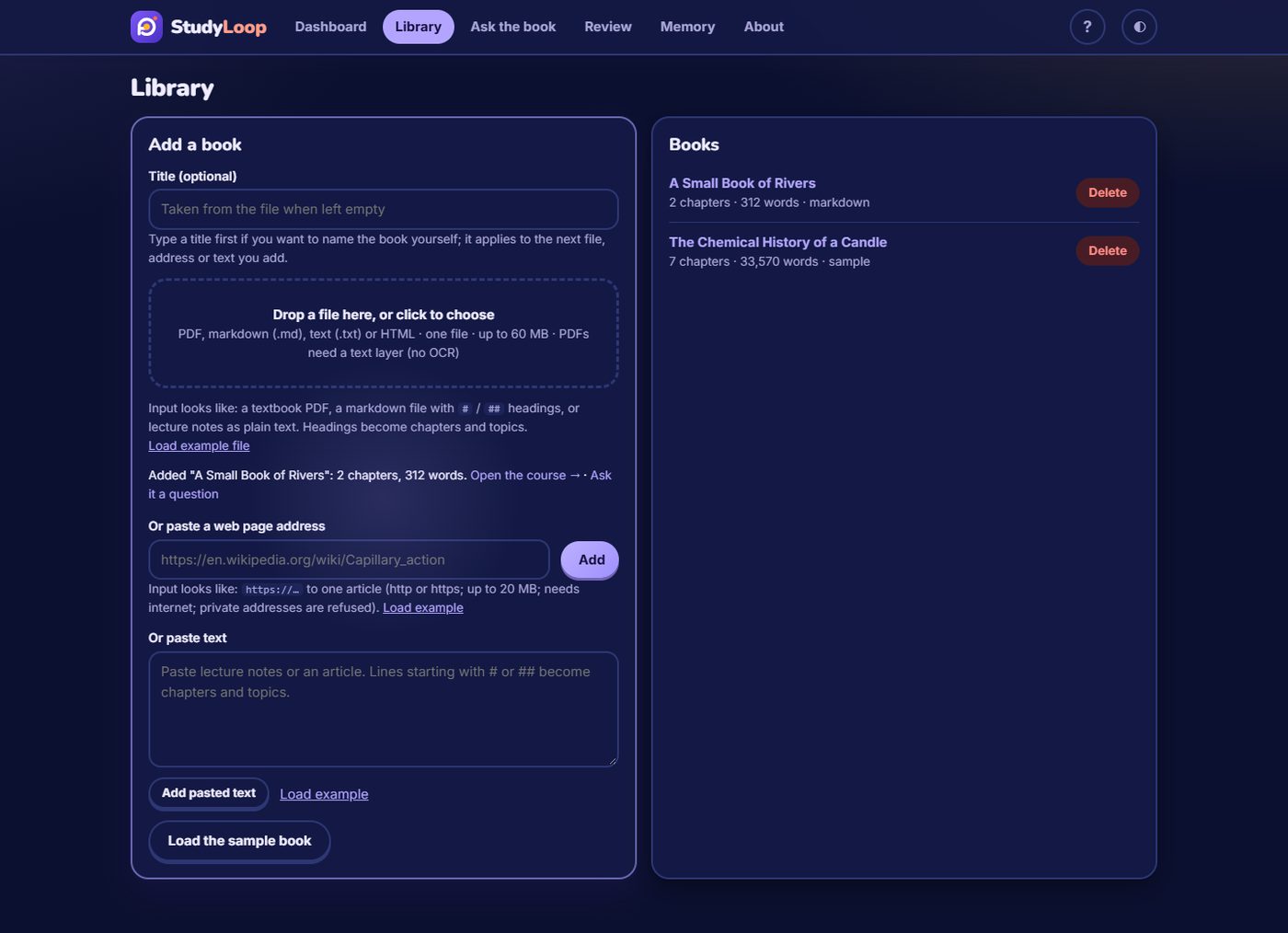
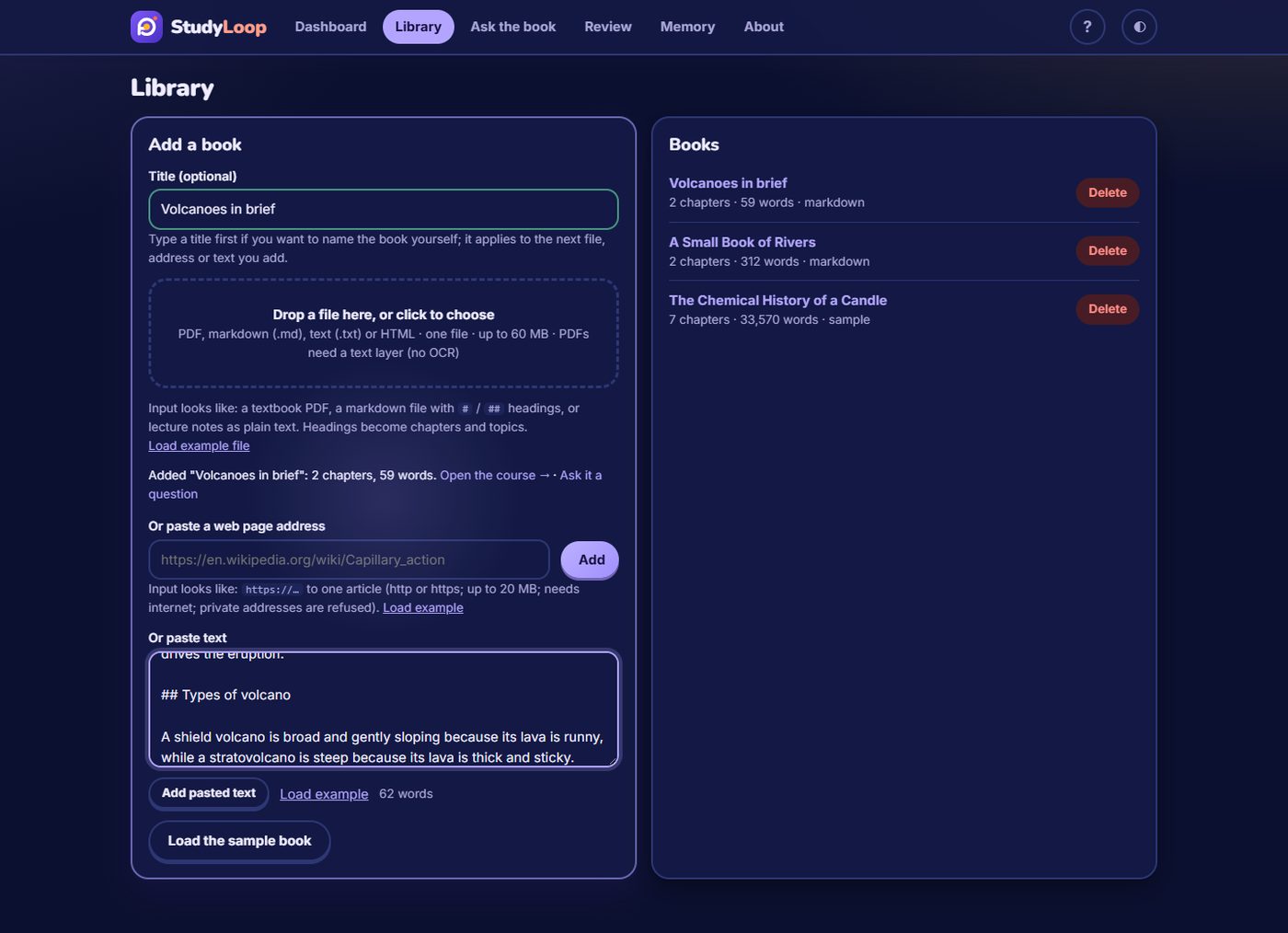
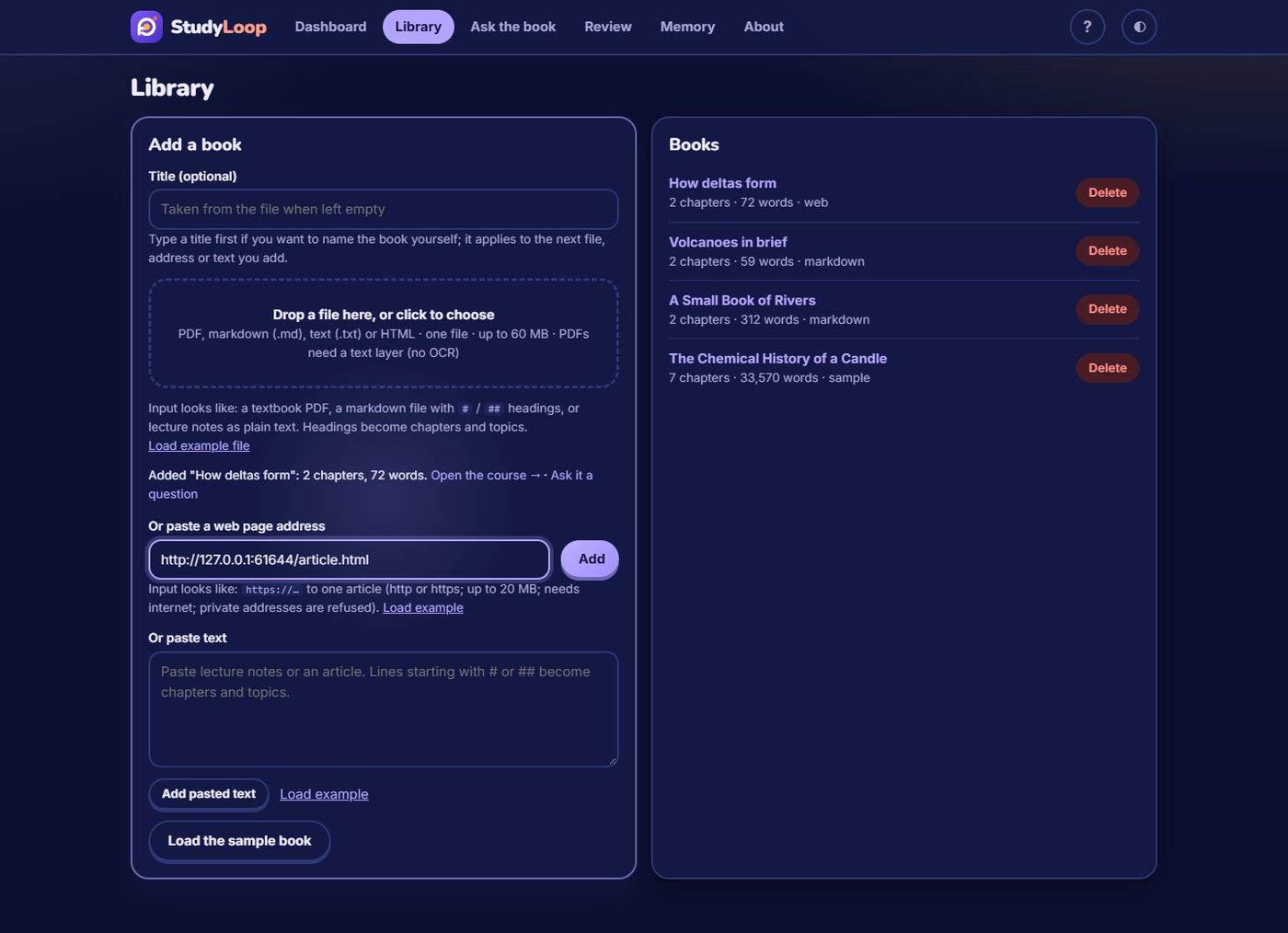
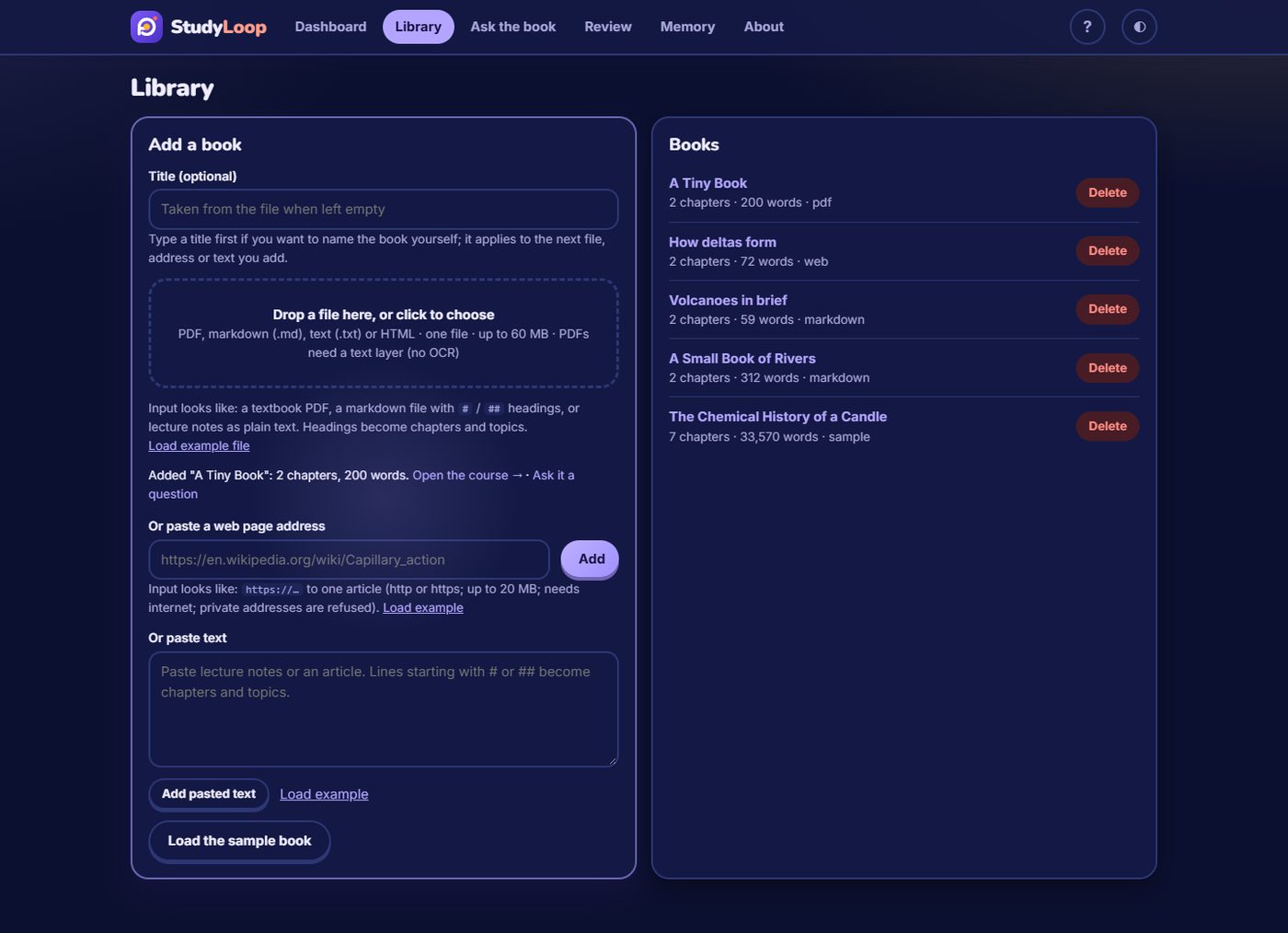
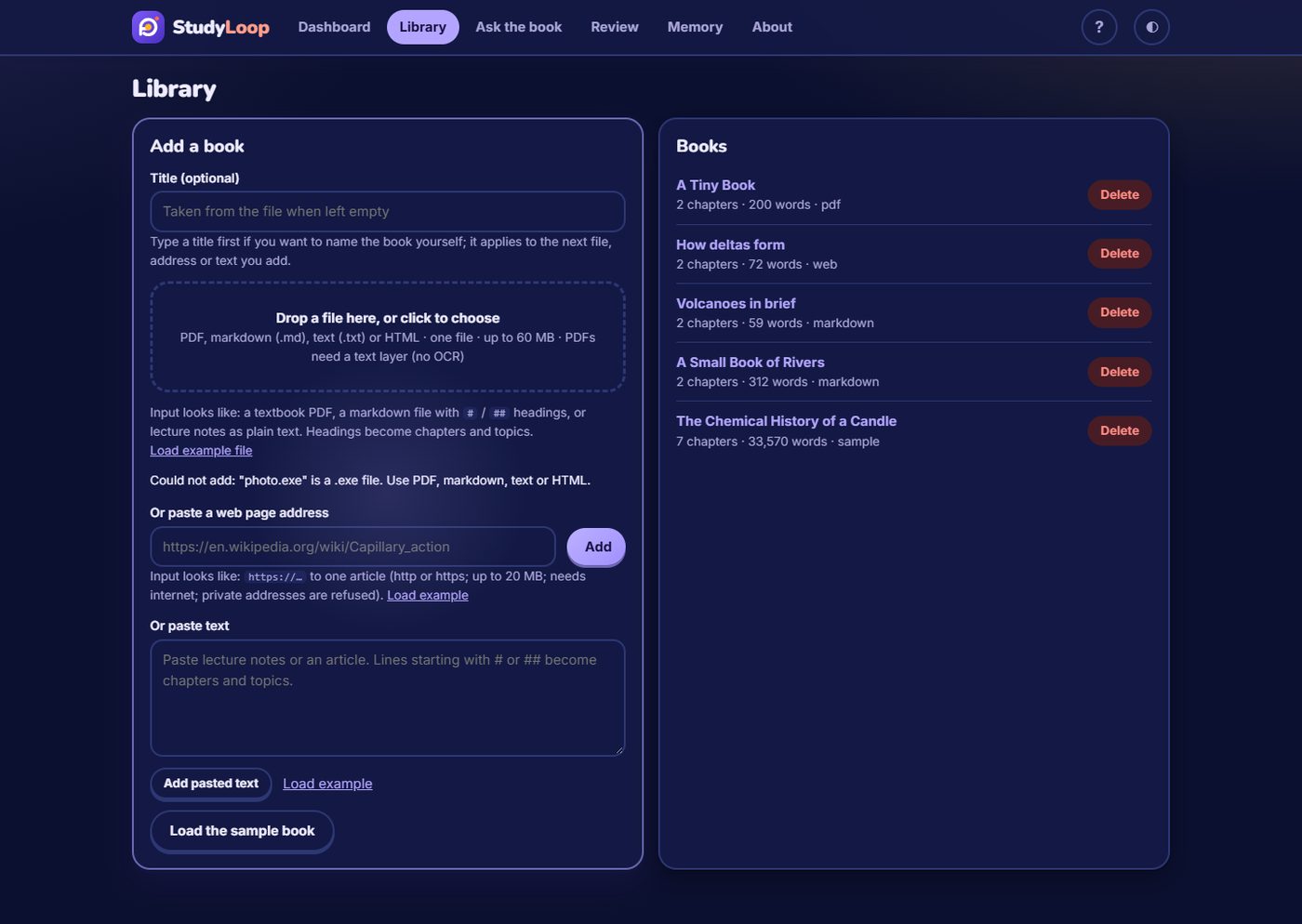
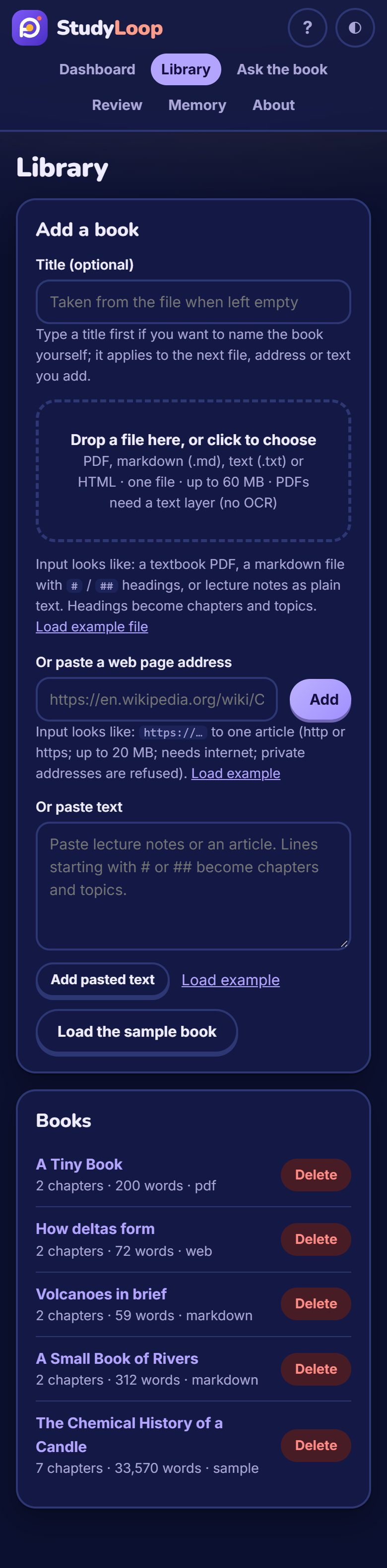
- Library: add a PDF, markdown, text or HTML file (file picker or drag and drop), paste text, or import a web address. Books in right-to-left scripts such as Urdu read right to left; images, archives, unreadable PDF text layers and addresses on your own network are refused with a message saying why.
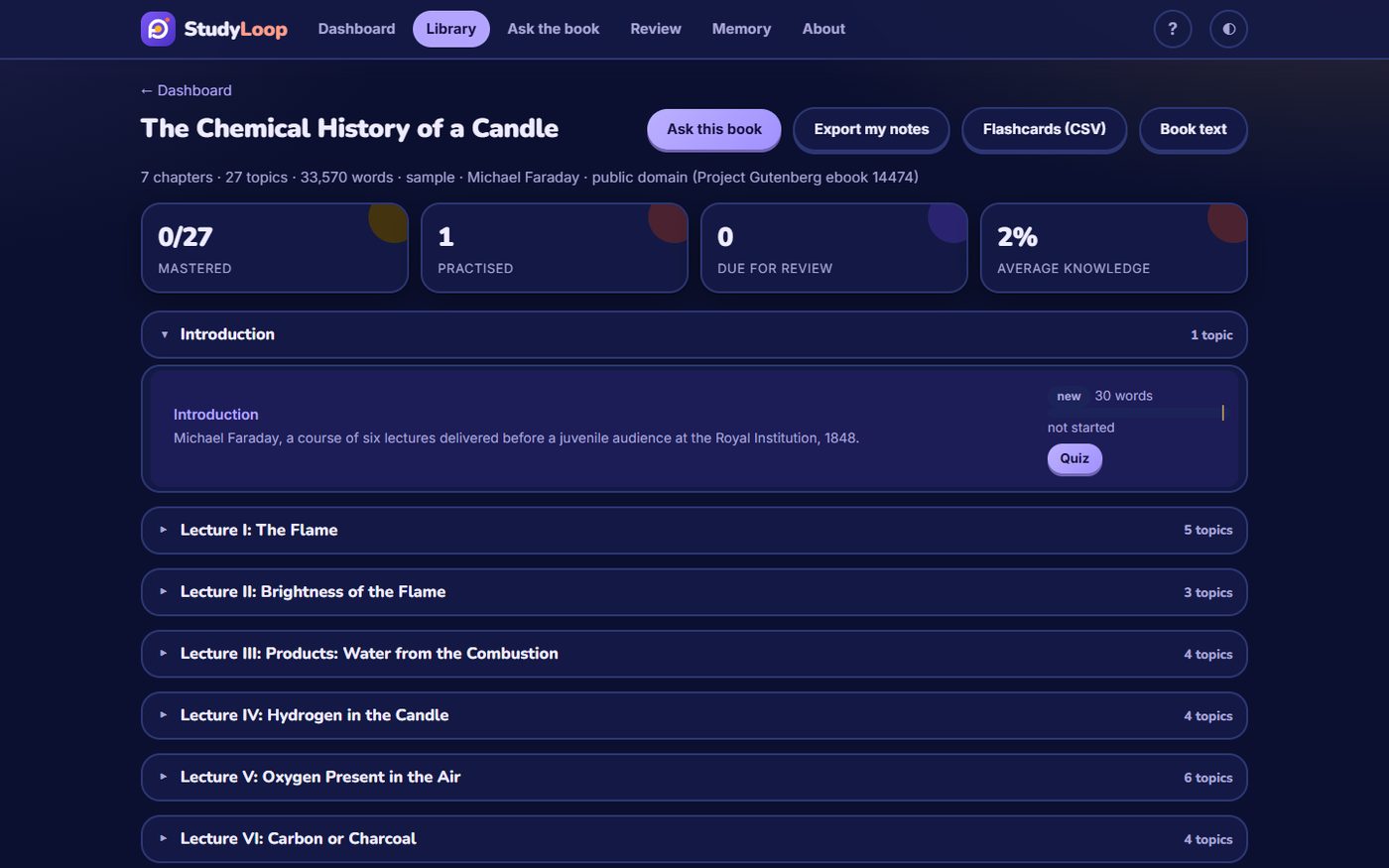
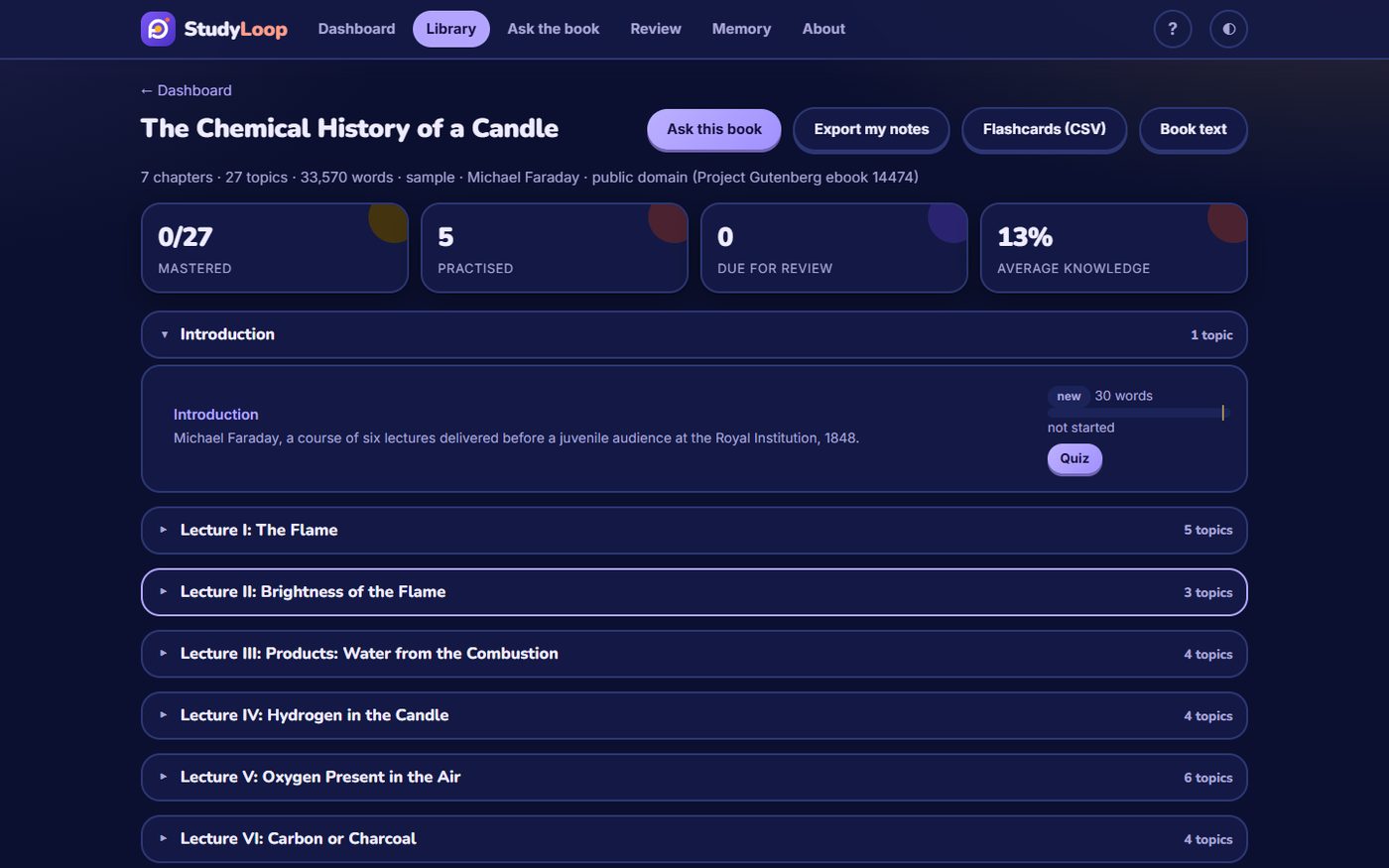
- Course outline: chapters, topics and key concepts; the source's headings are used when it has them, otherwise chapters are split into topics automatically. A new book says where to start (its first real chapter, past the title page, preface and contents) and shows which topics have quiz questions.
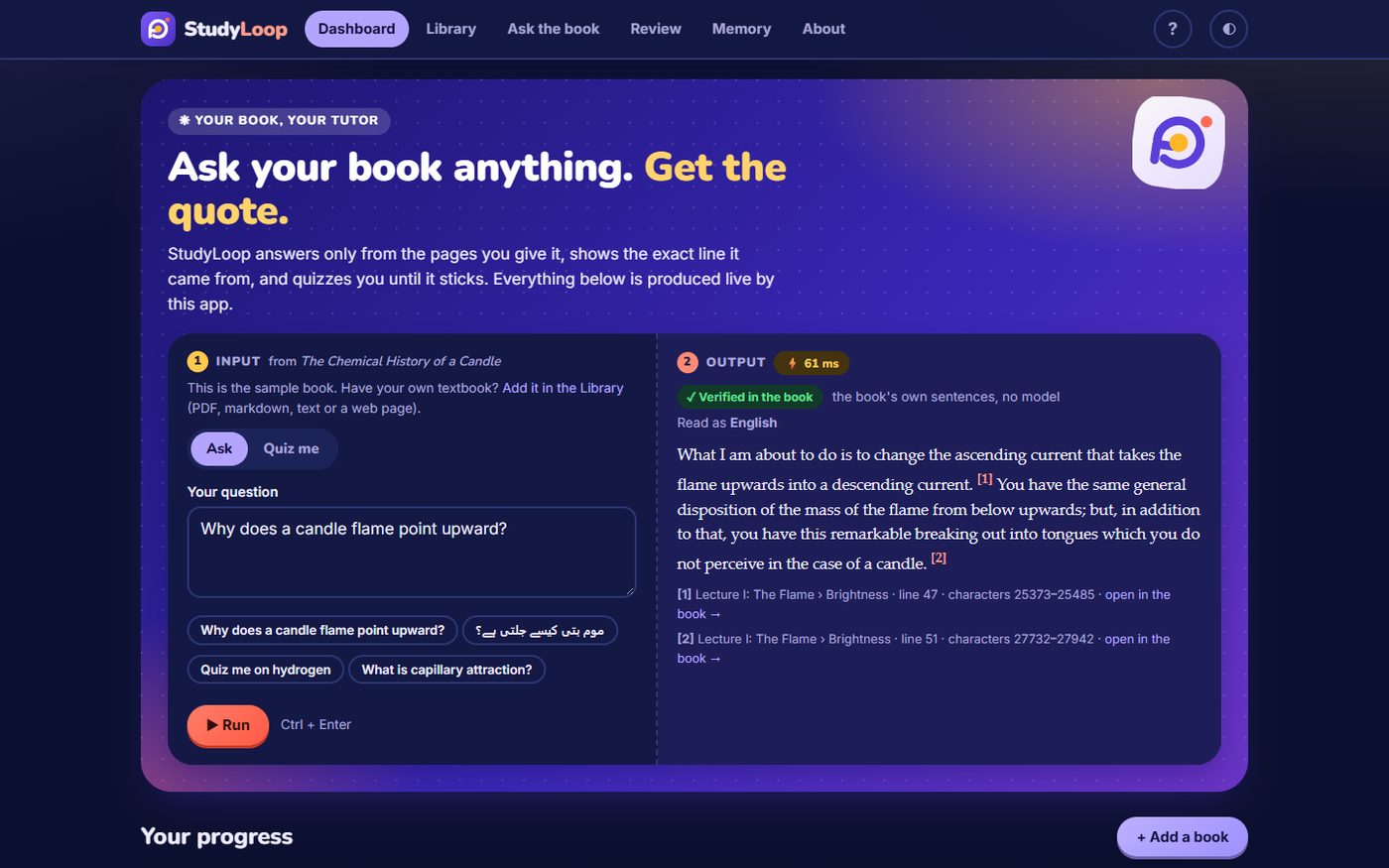
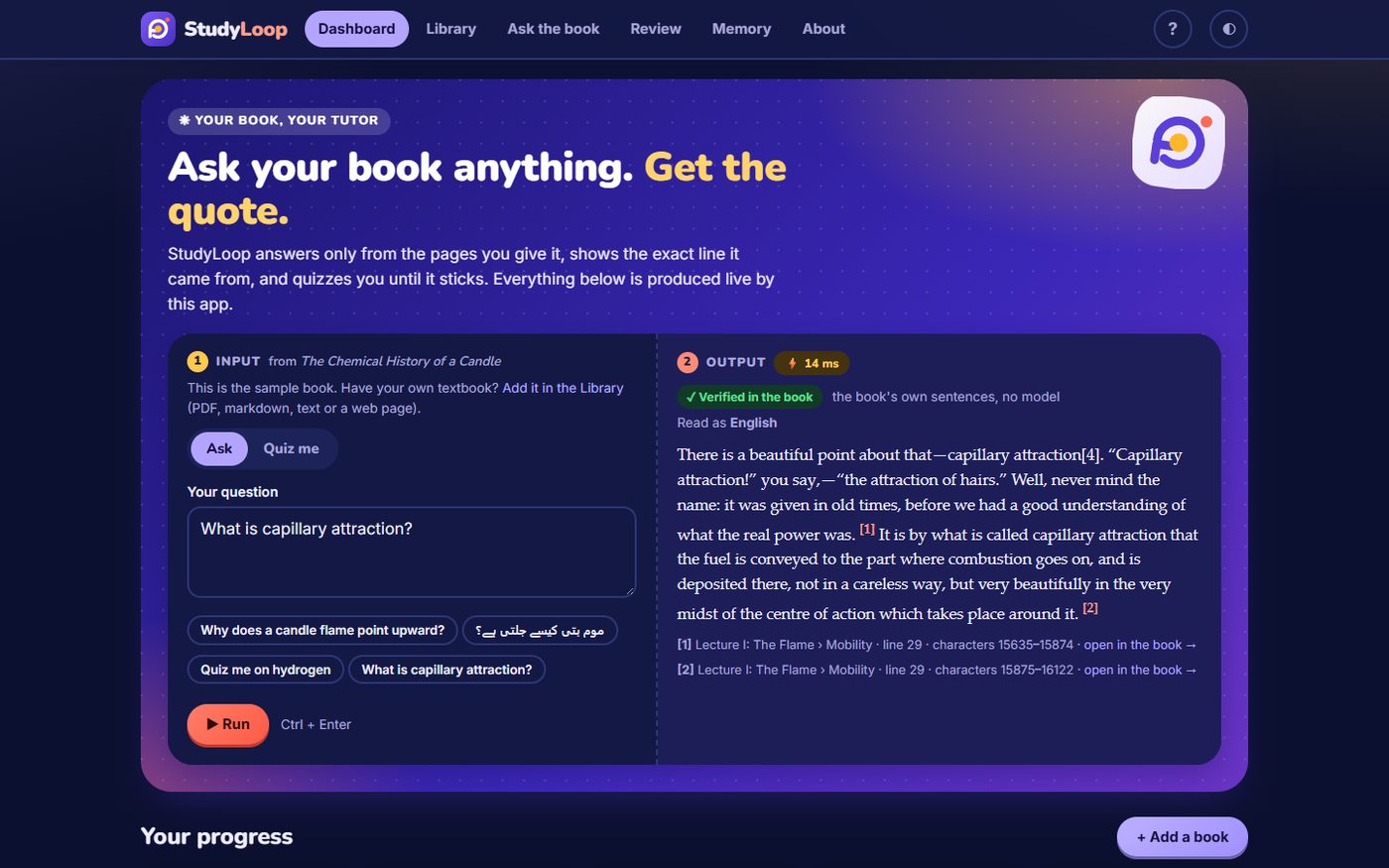
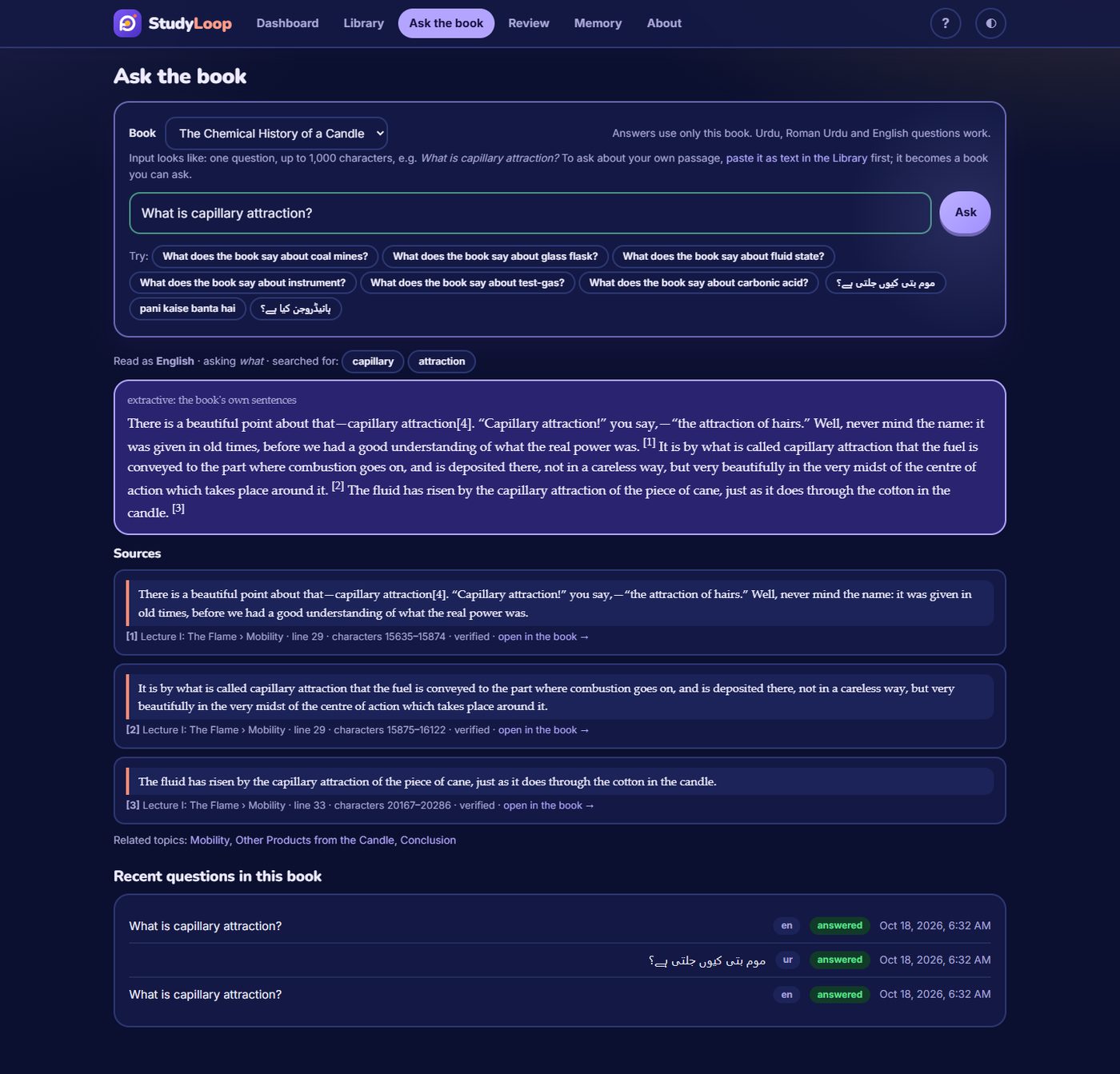
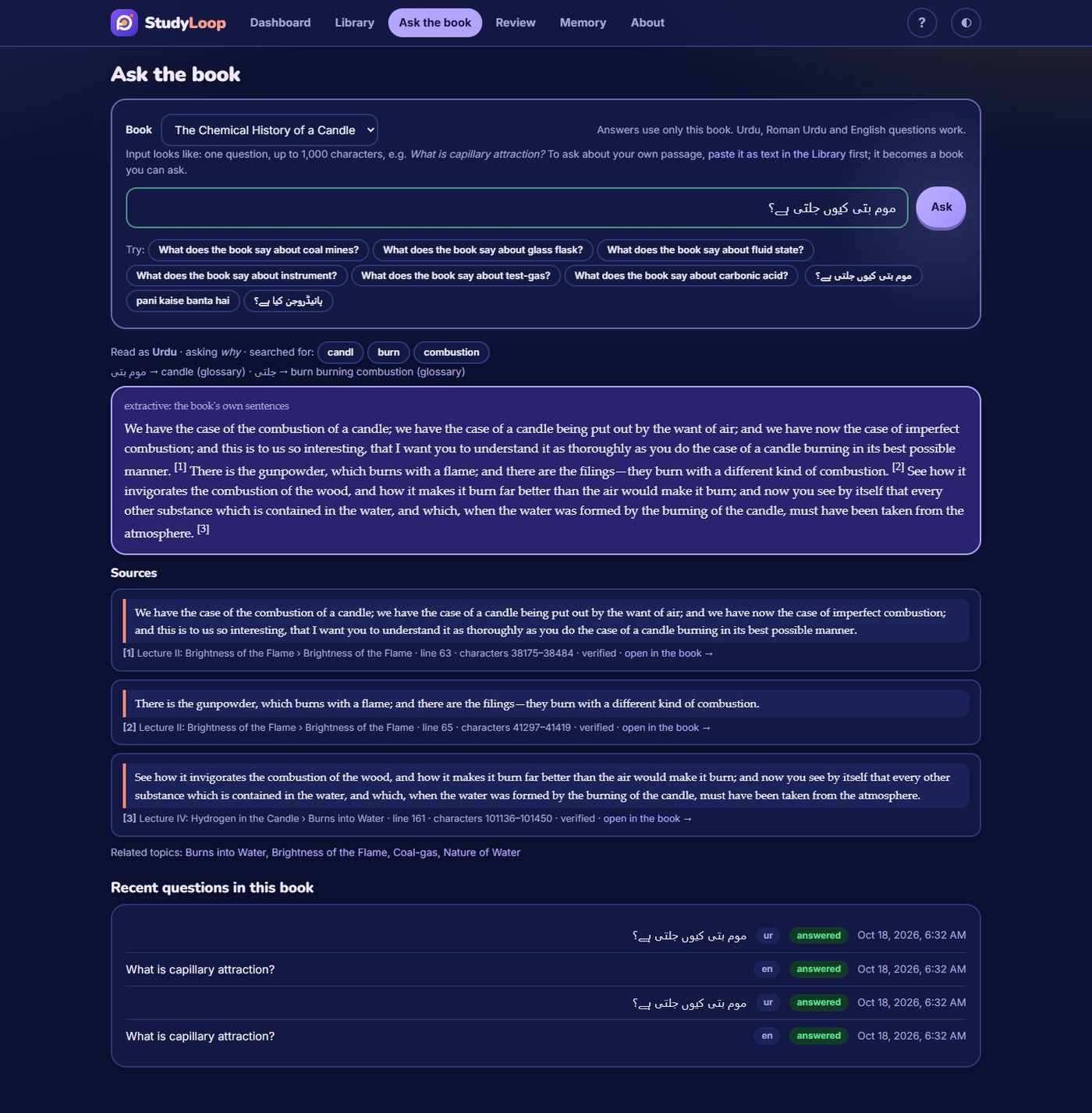
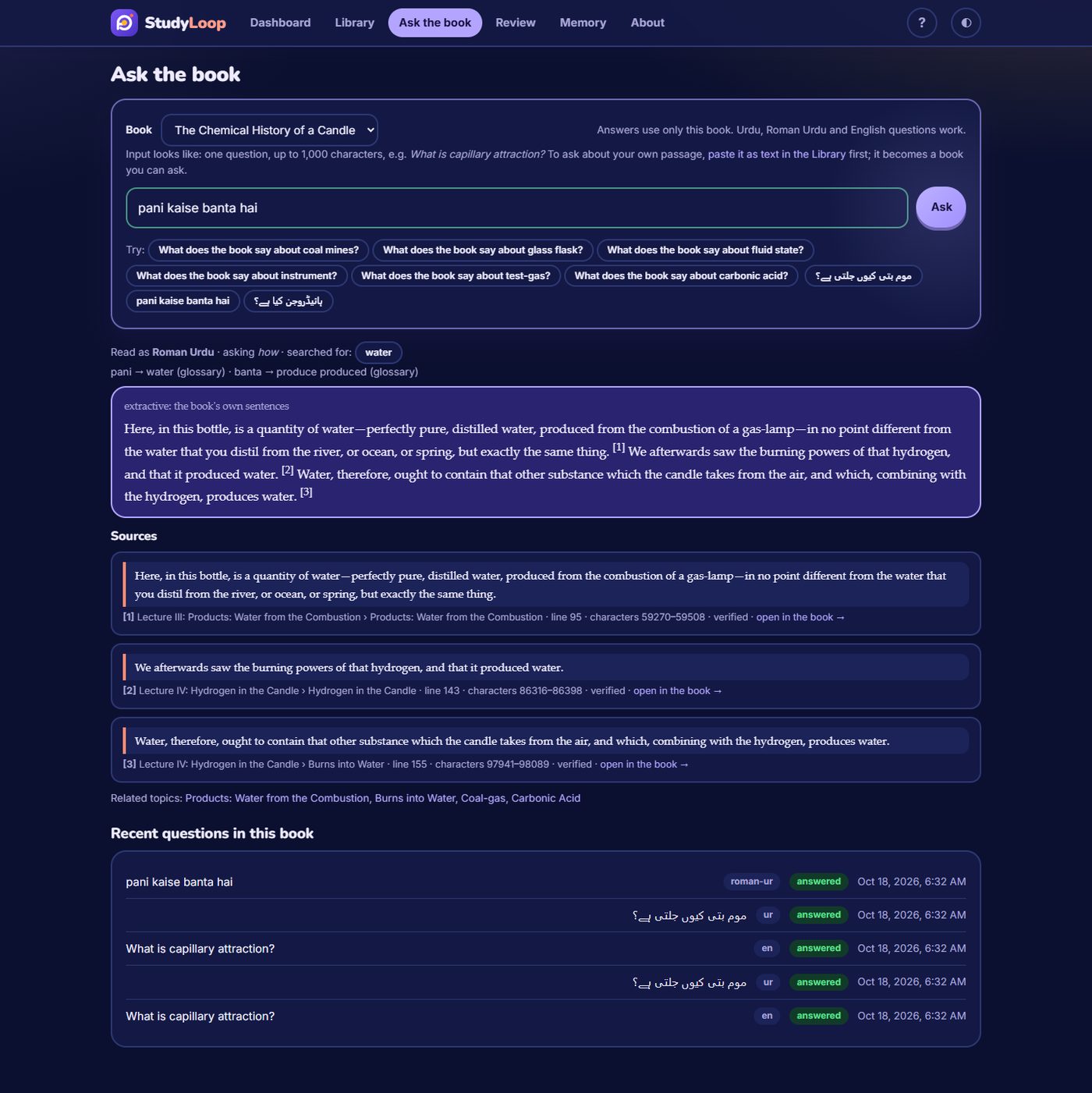
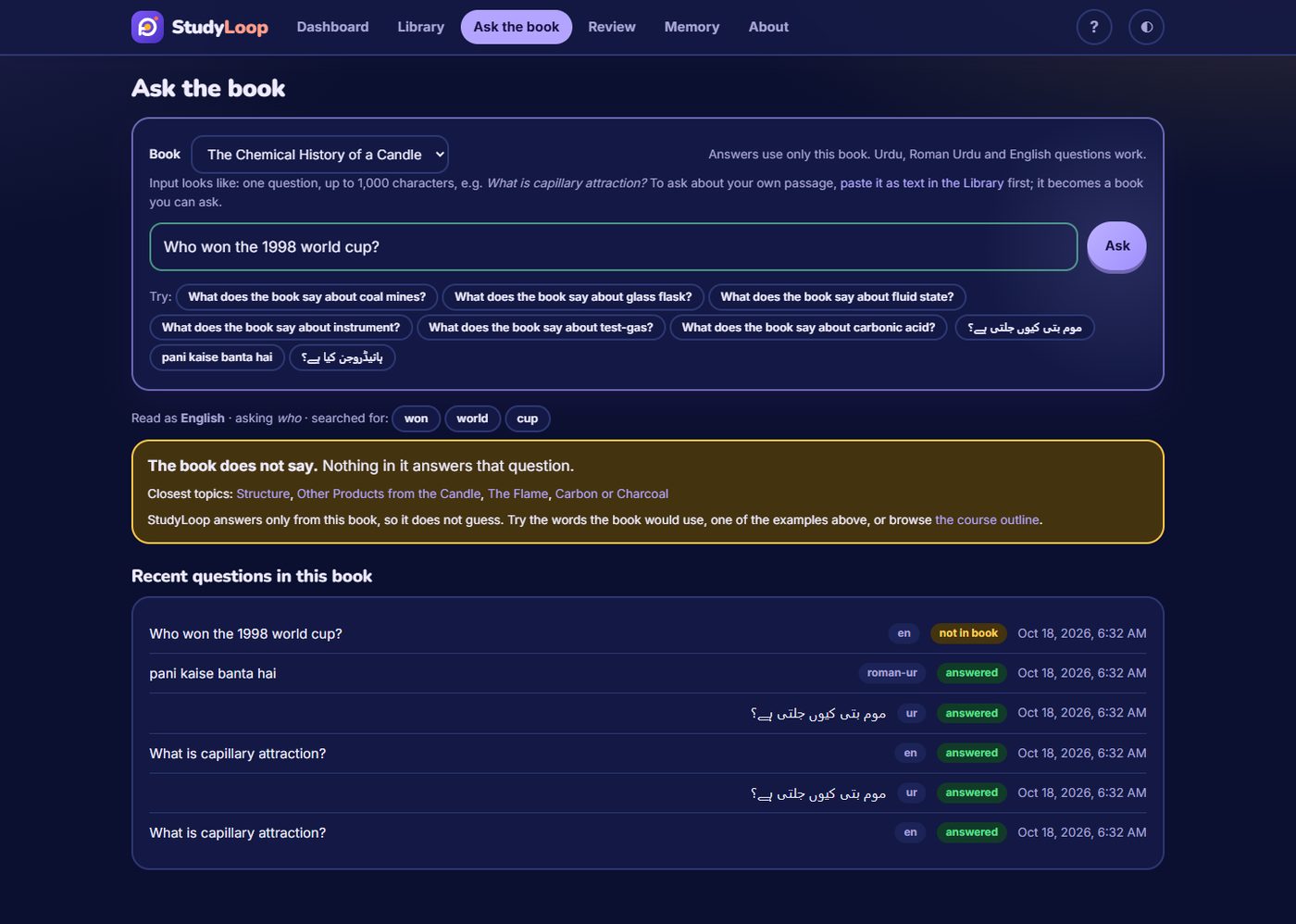
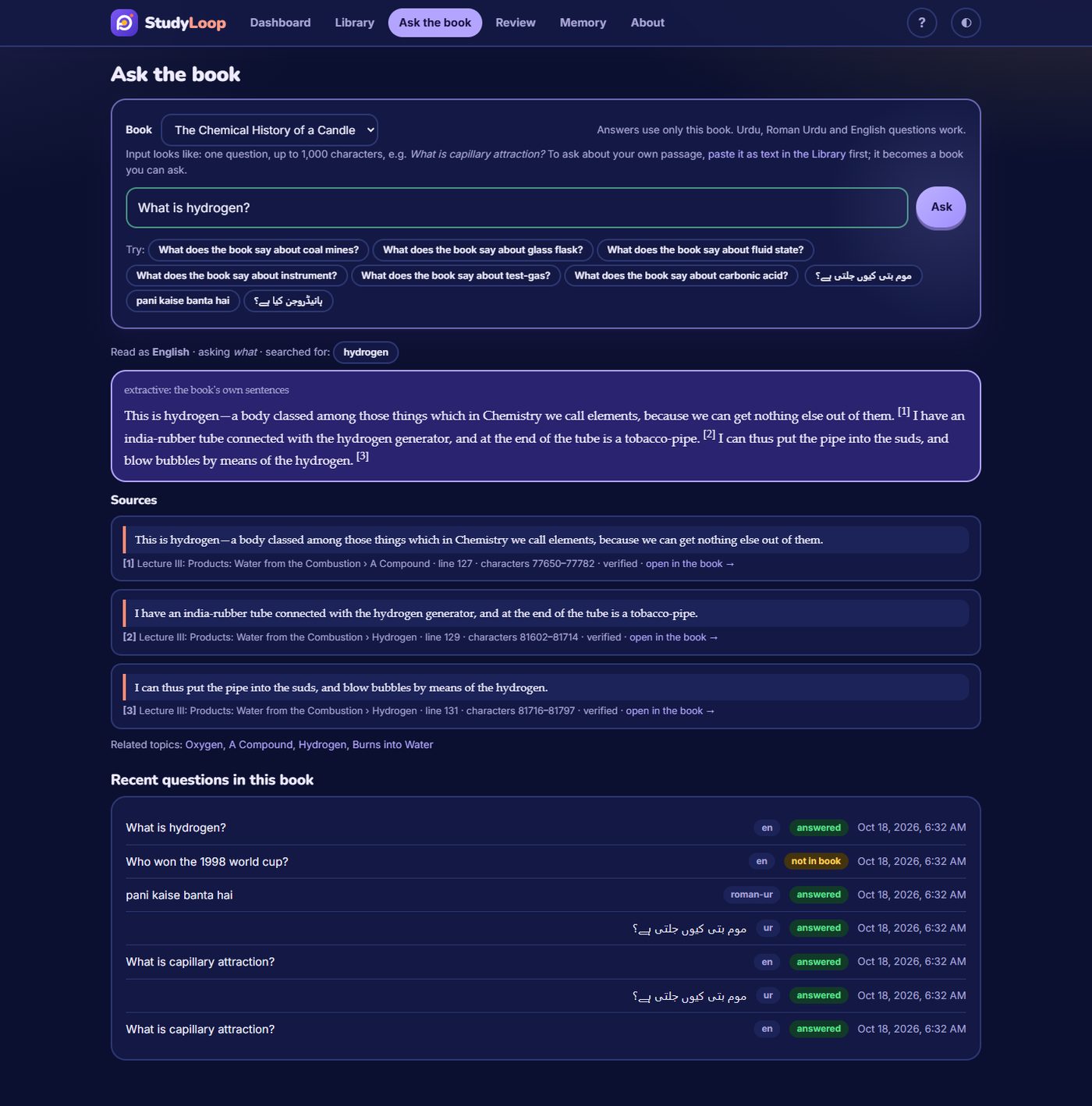
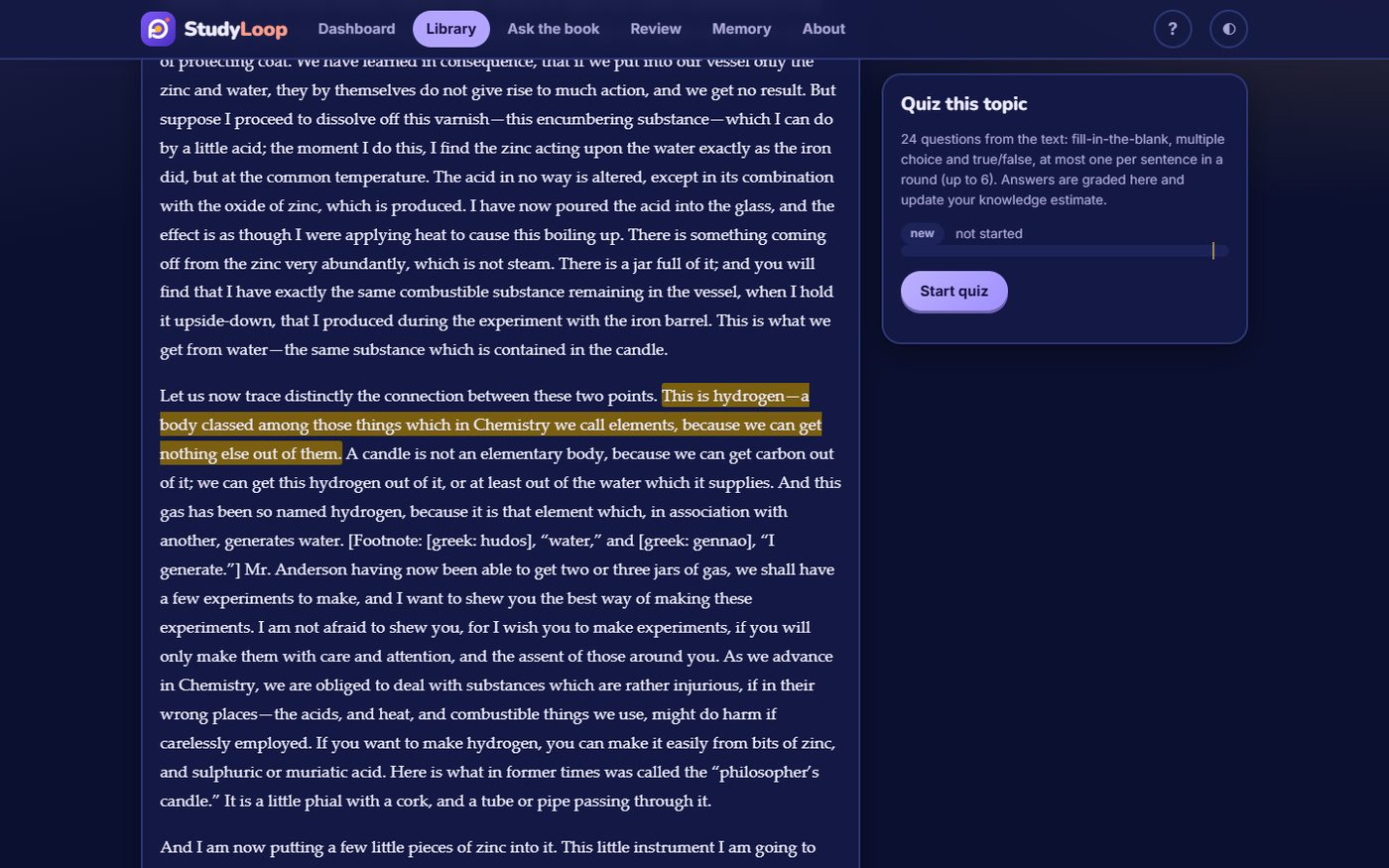
- Ask the book: questions in English, Urdu or Roman Urdu answered with the book's own sentences, every quote located by line and character, "open in the book" highlighting, and a clear "the book does not say" when it does not.
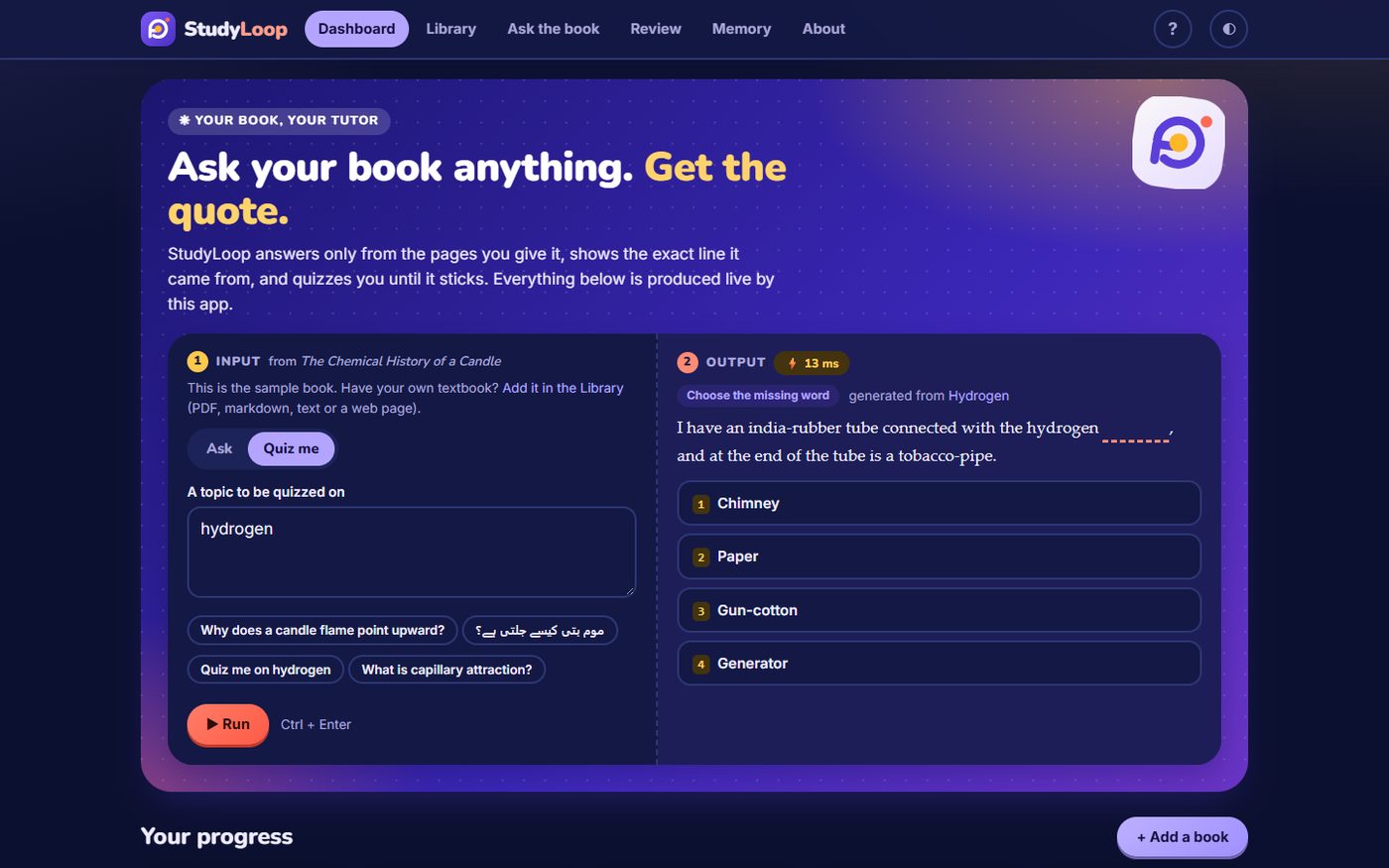
- Quizzes: fill-in-the-blank, multiple choice and true/false per topic, built from the book's sentences, with the source sentence shown after every answer. Leave a quiz half-way and it picks up where you stopped; an answer sent twice counts once.
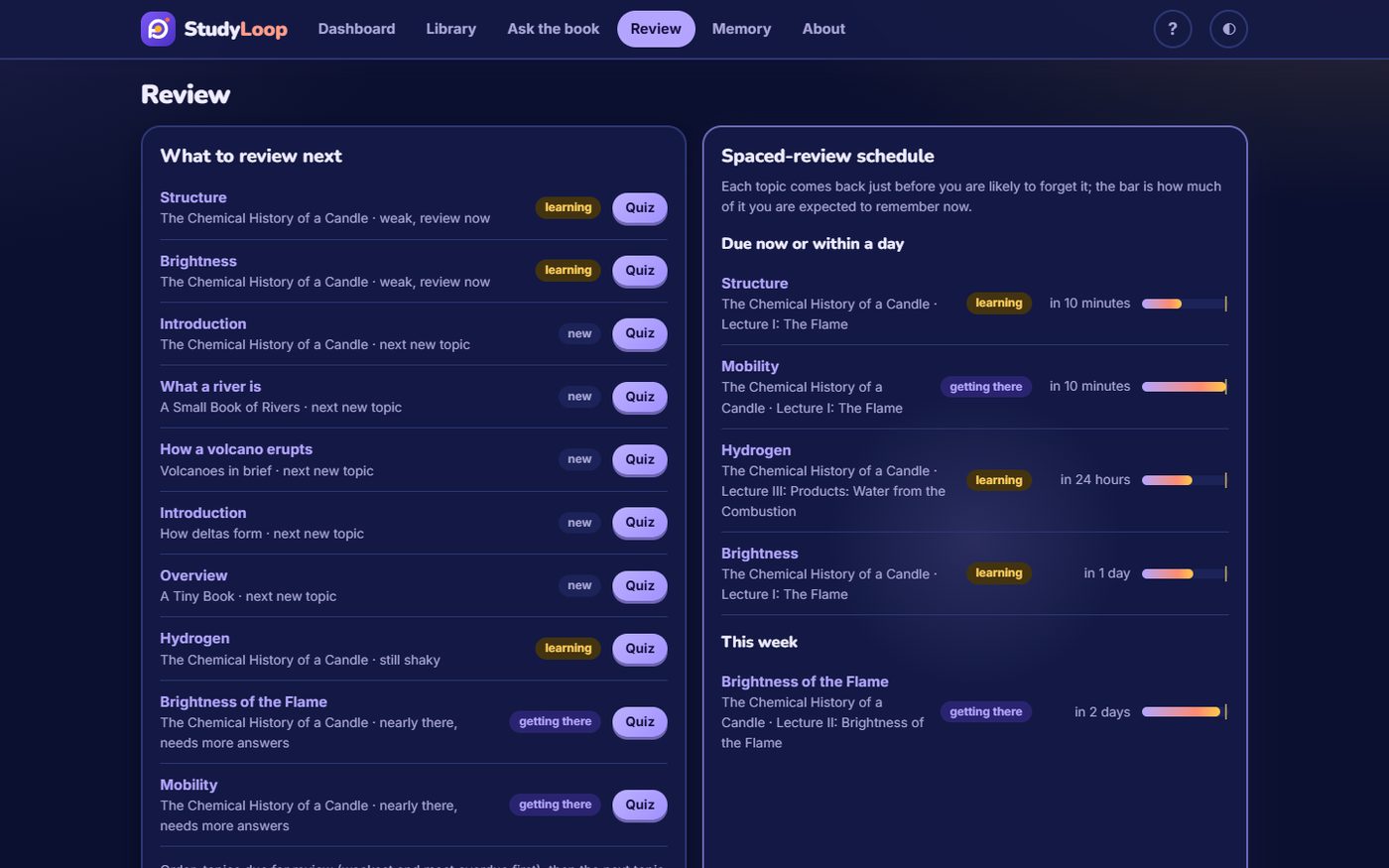
- Review and mastery: a per-topic knowledge estimate (Bayesian Knowledge Tracing), what to review next and a spaced-review schedule.
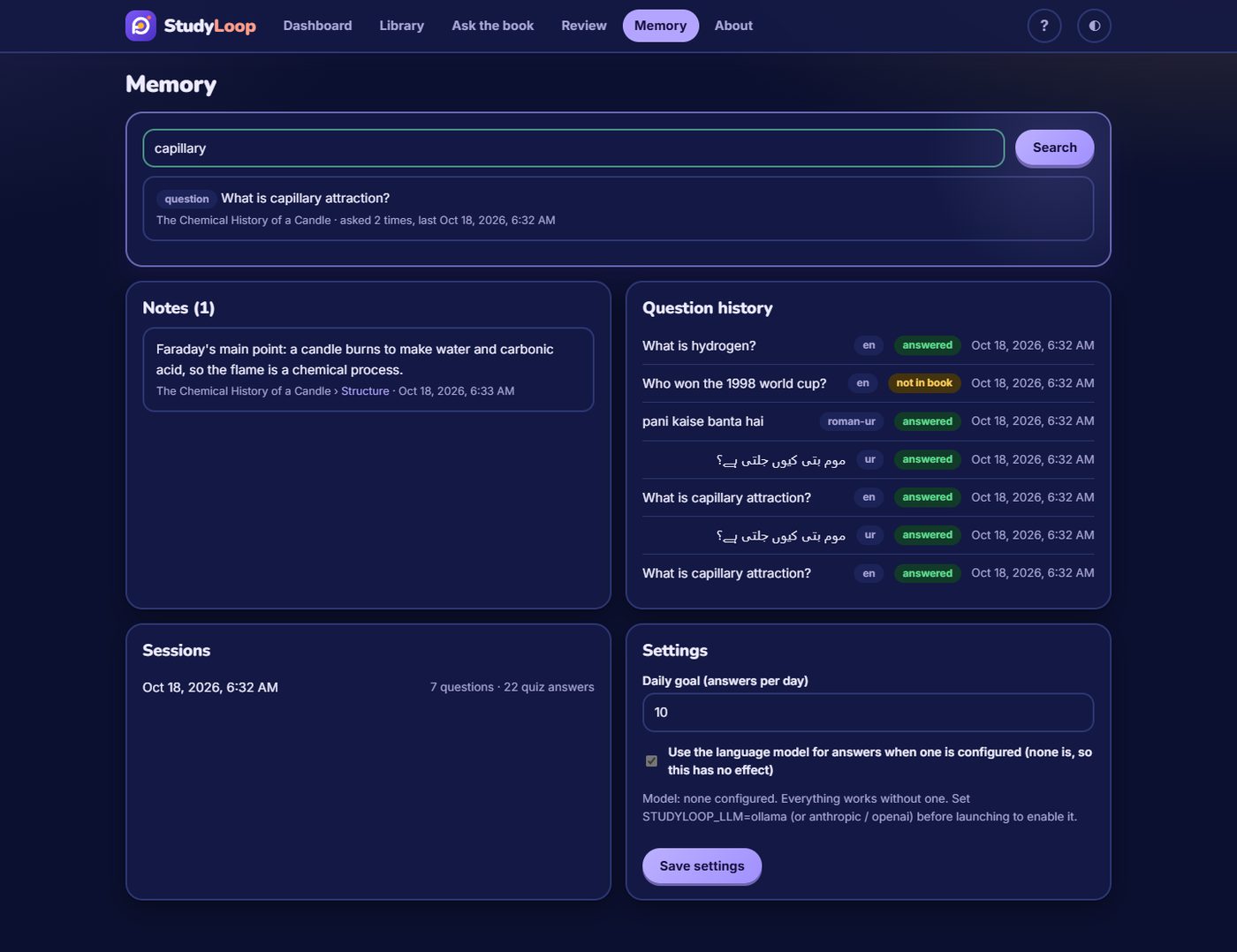
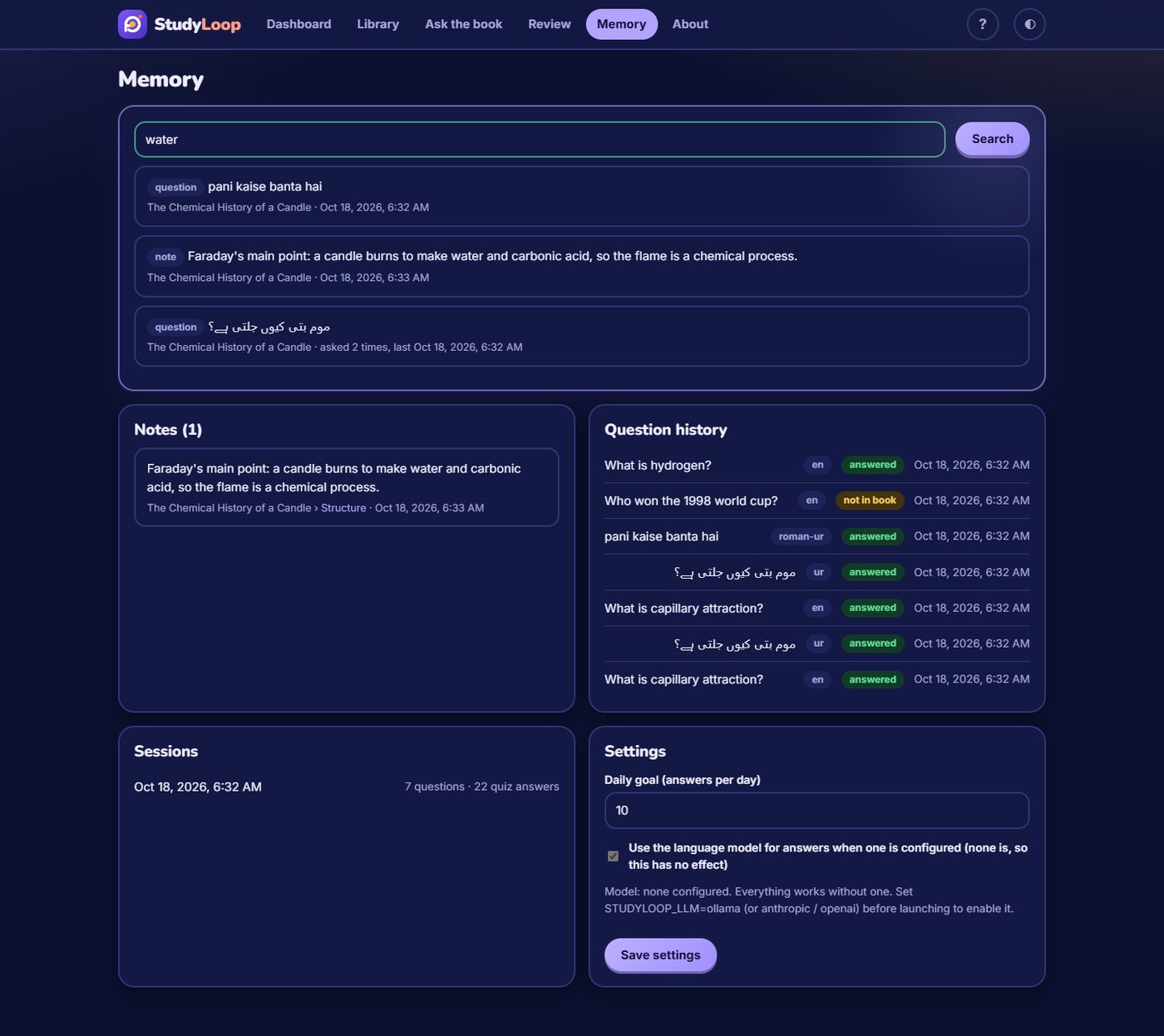
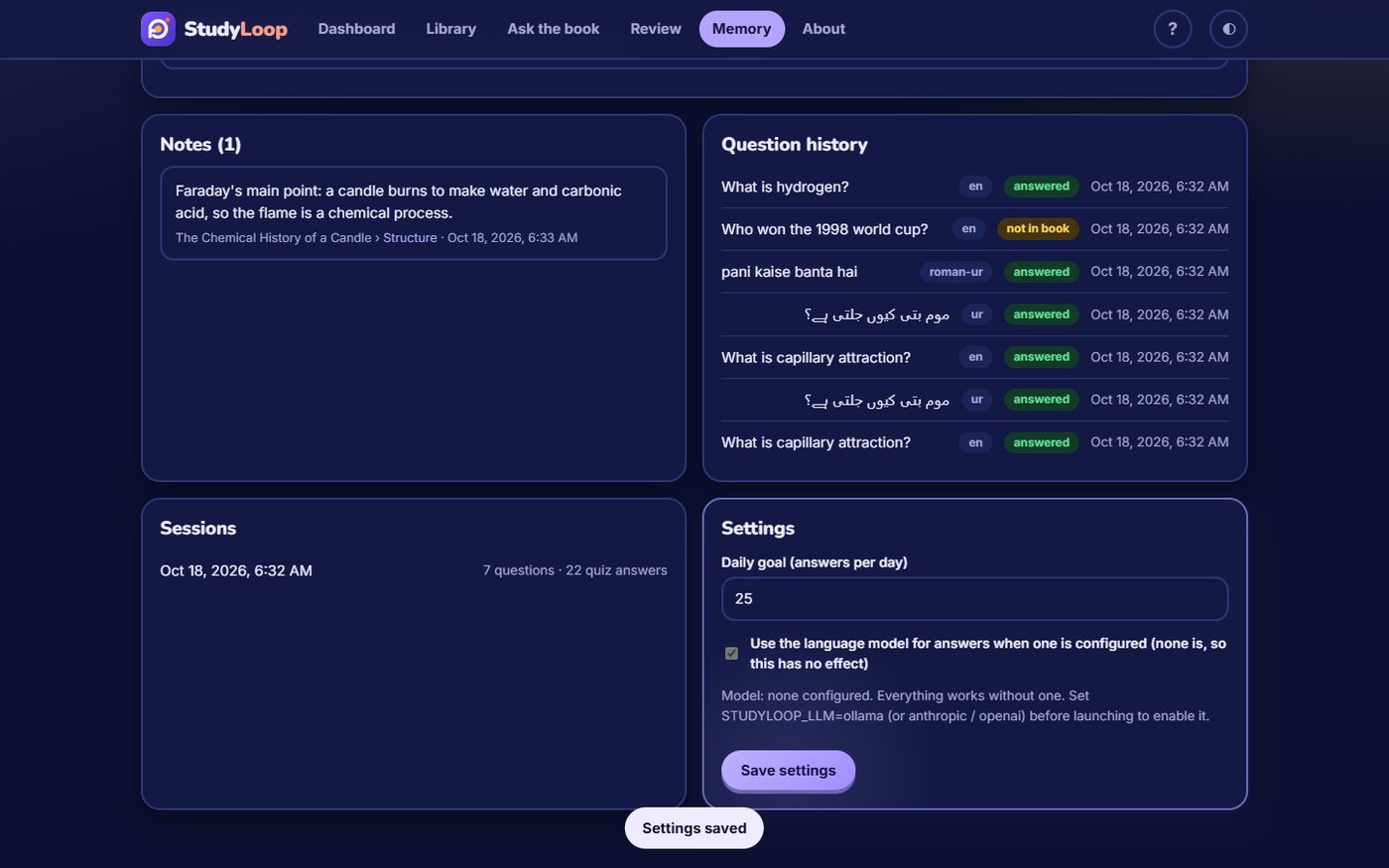
- Memory: notes, question history, sessions and settings, all searchable.
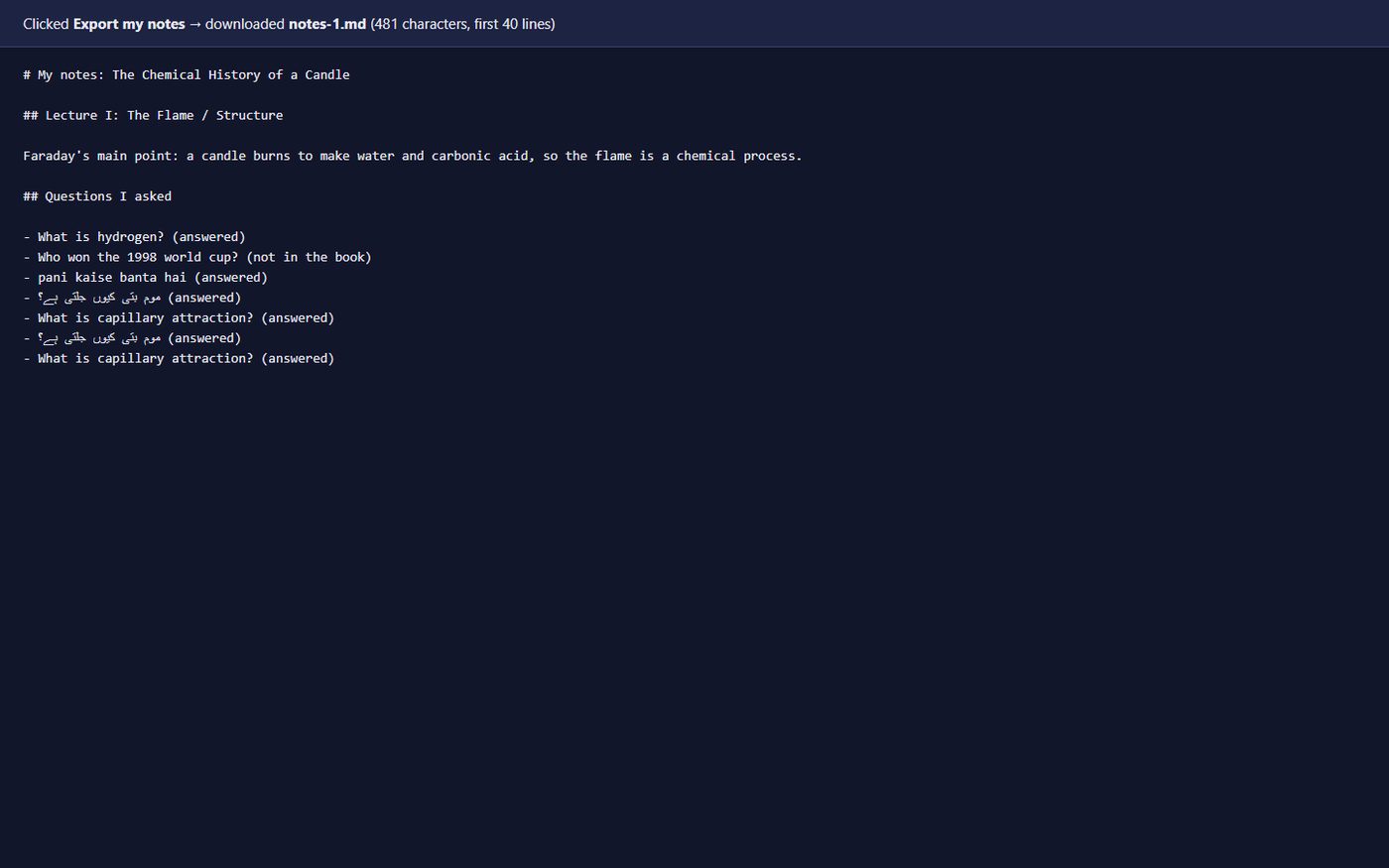
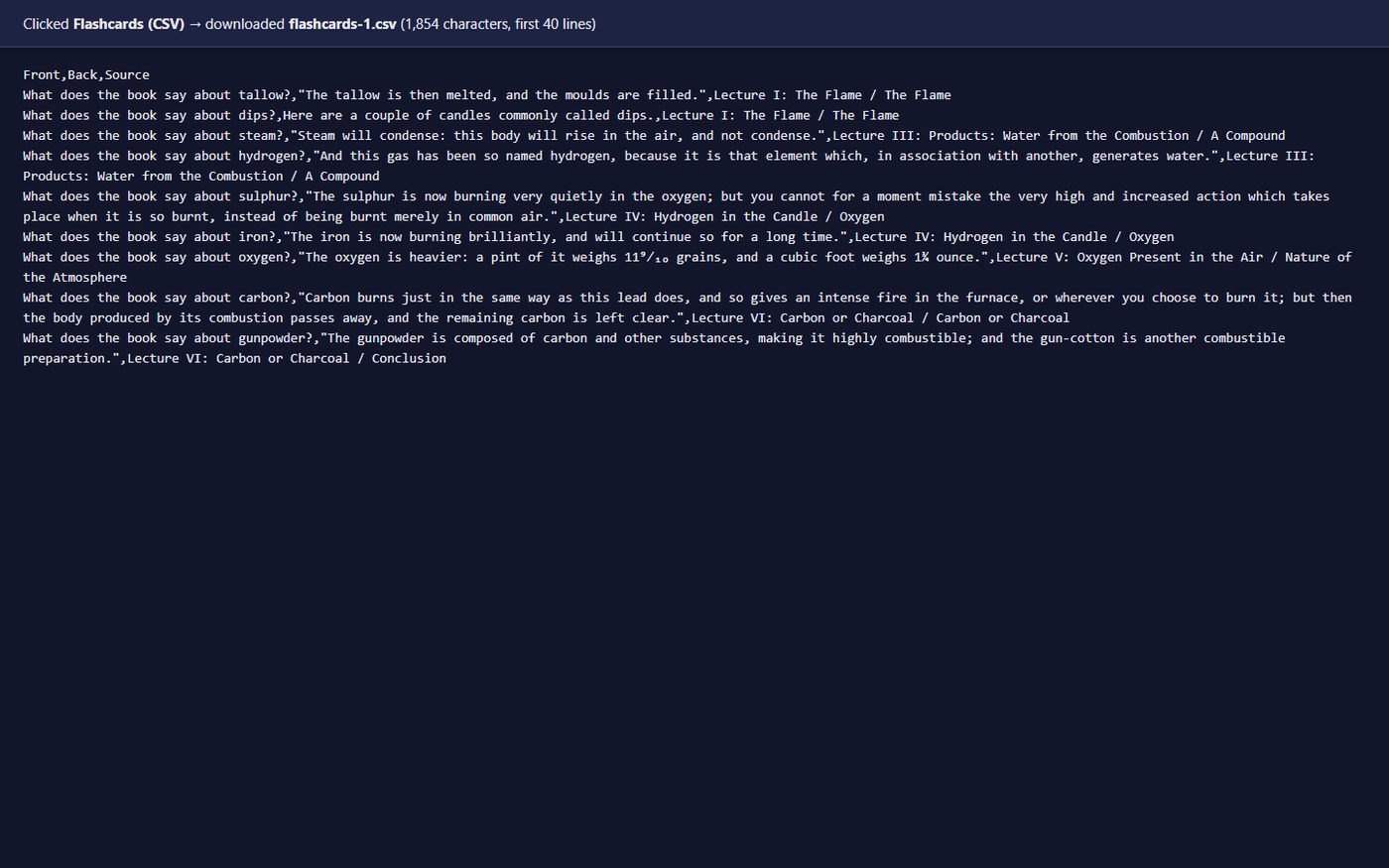
- Exports: notes as markdown, flashcards as CSV for Anki.
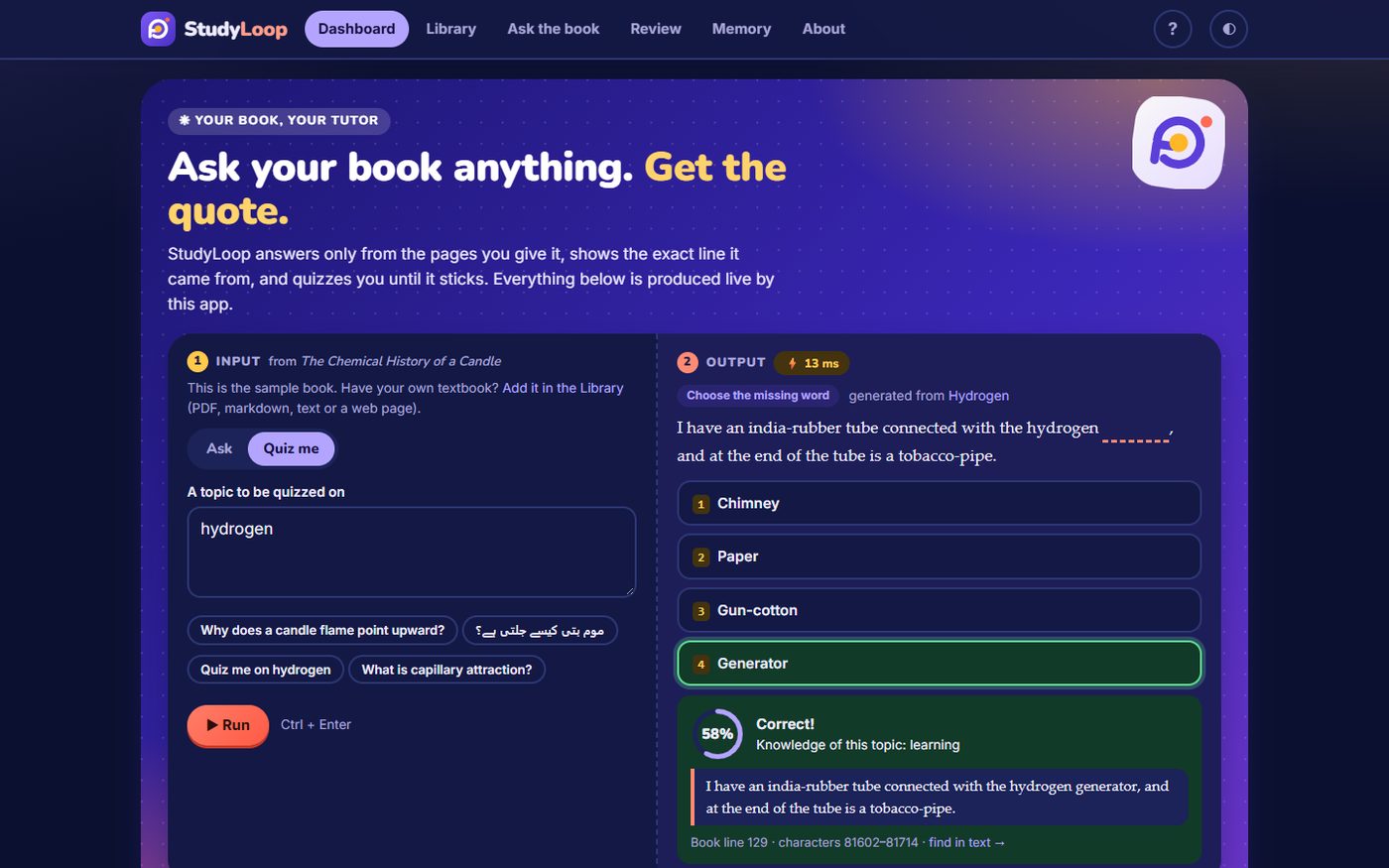
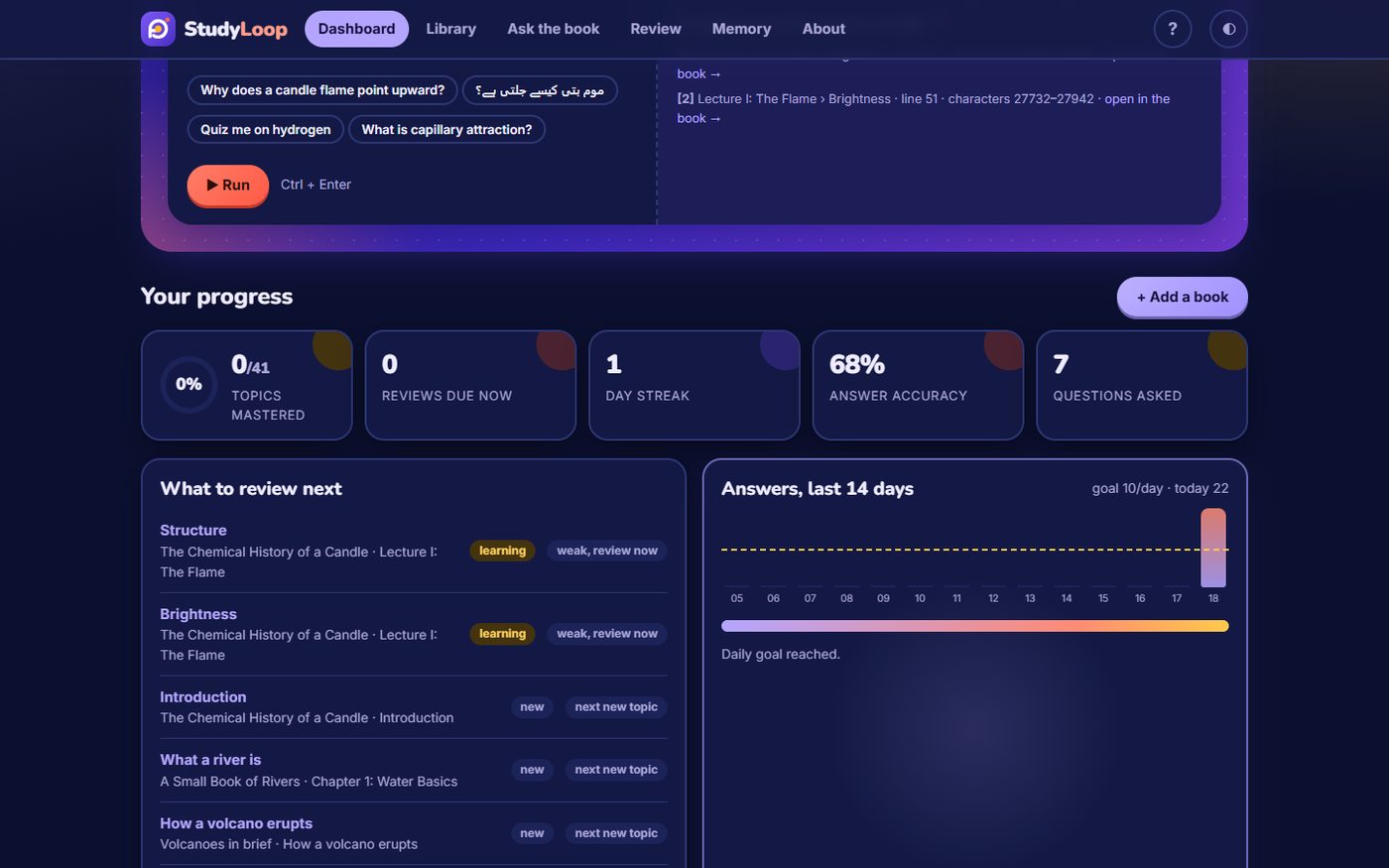
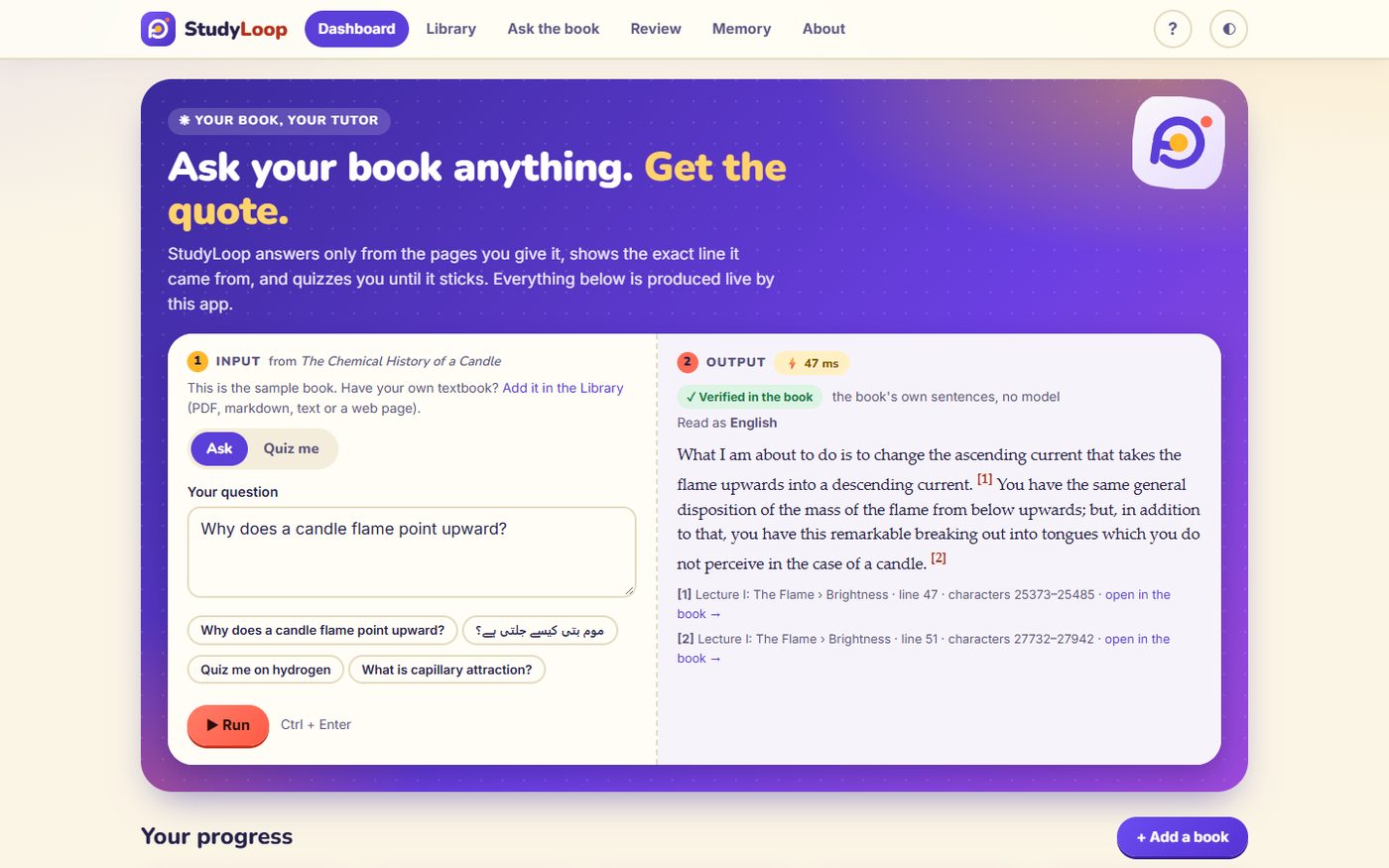
- Dashboard: progress, streak, accuracy and a live Try-it panel.
Gallery
Every picture is a real screenshot of the running app, taken by scripts/gallery.py (headless Edge, 1440x900, dark mode unless stated) from the input described in its caption. They follow the order a new user would take. Captions are also in docs/gallery/CAPTIONS.md.
Home and Try it
Library
Course outline
Ask the book
Quiz
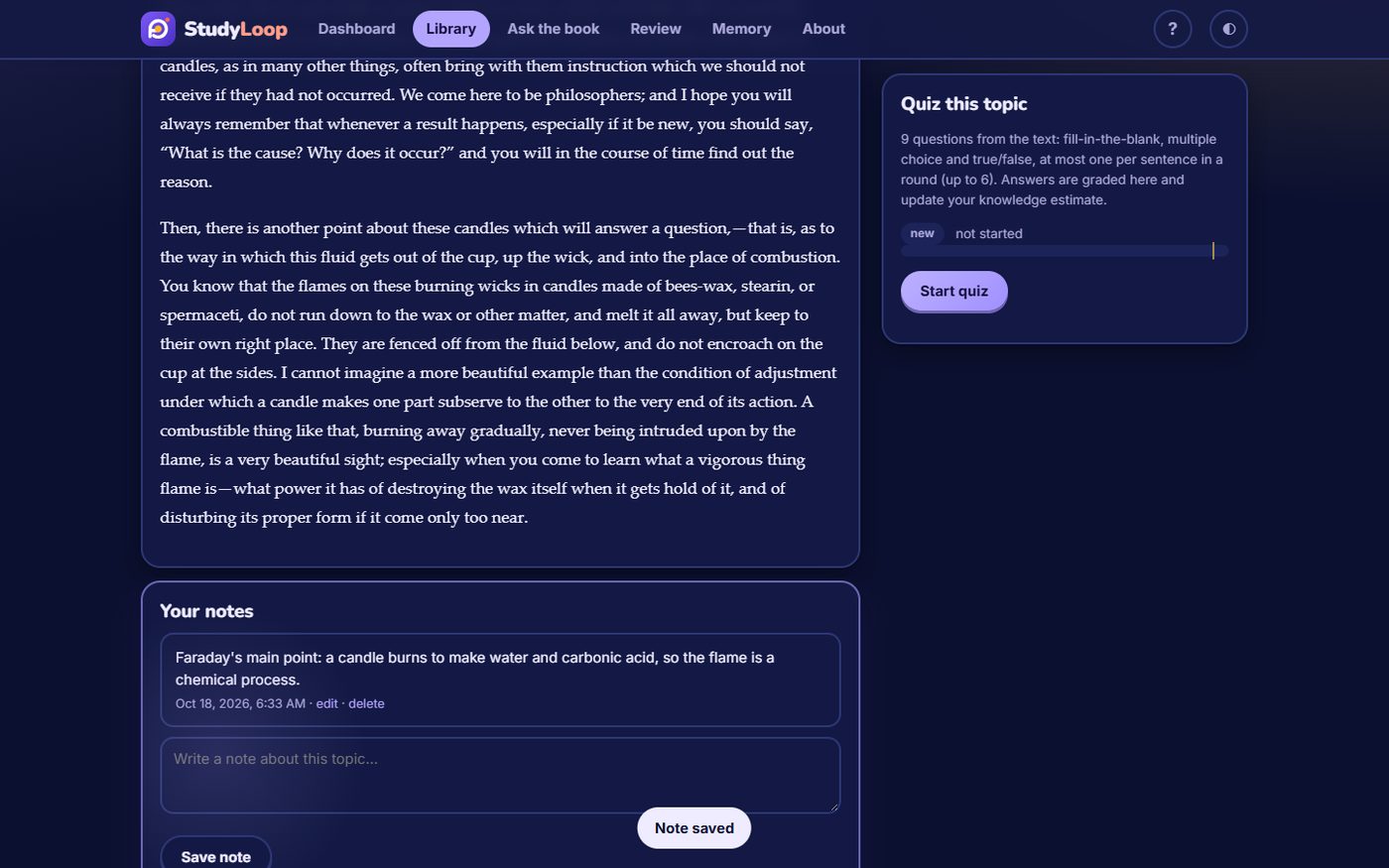
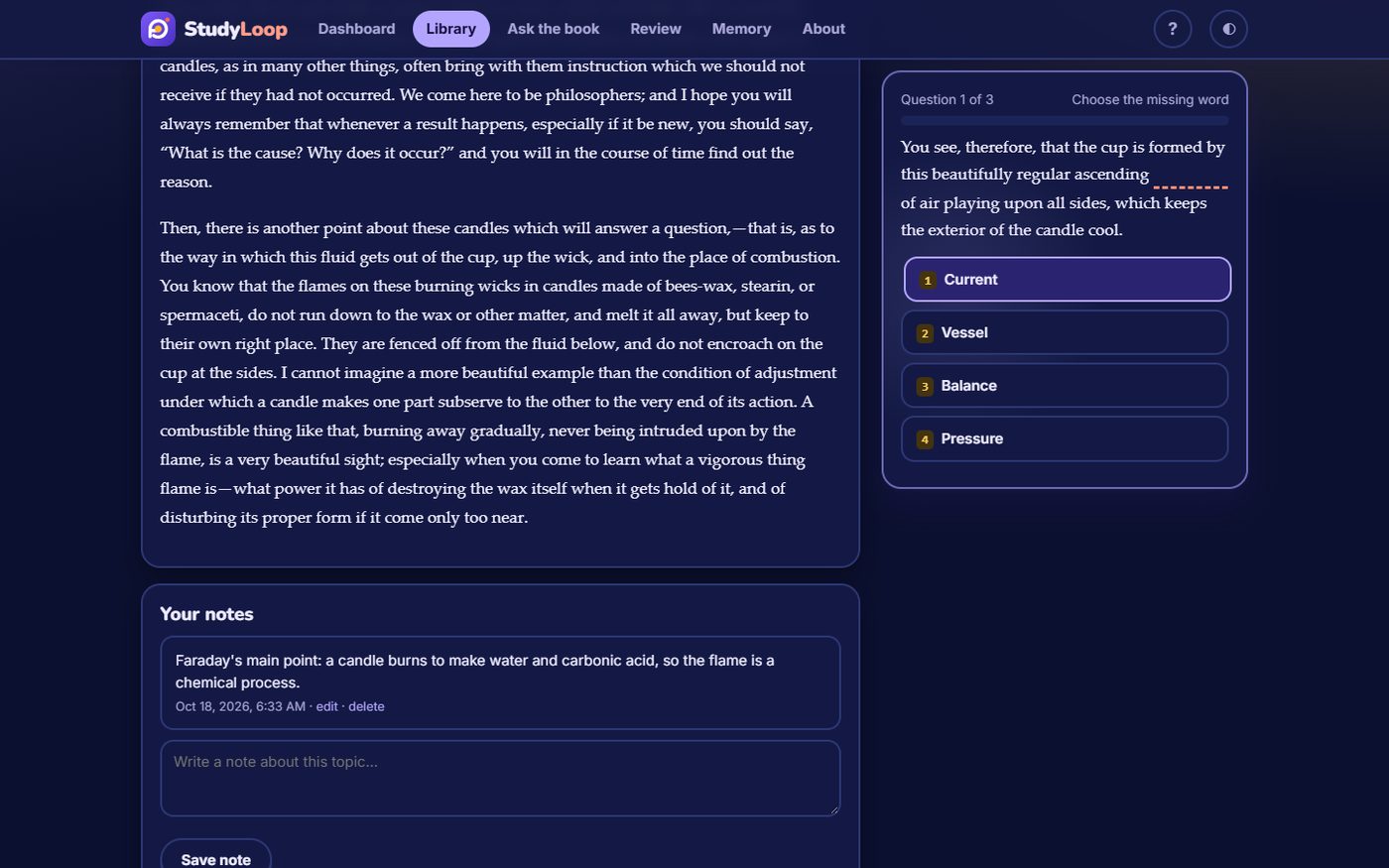
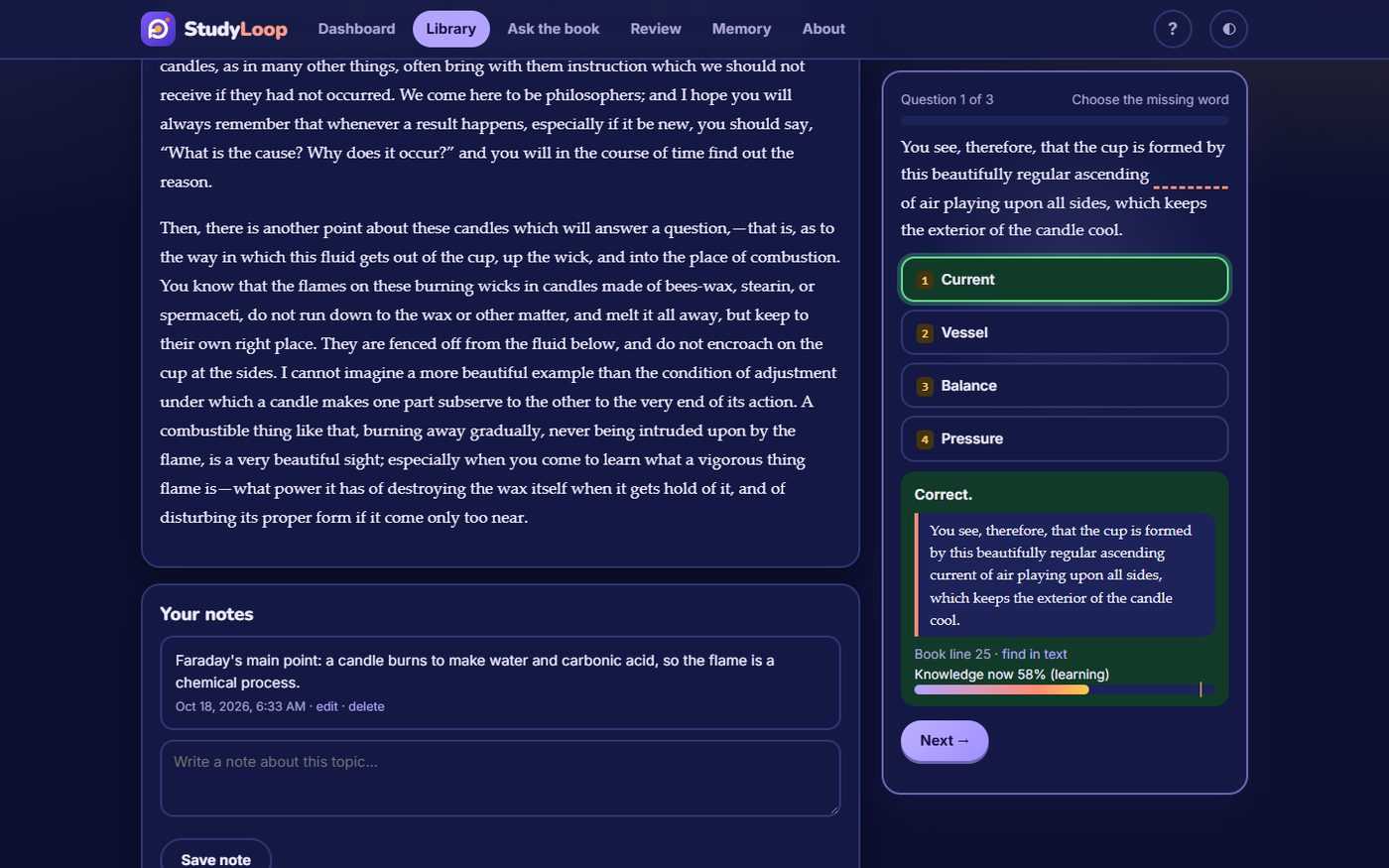
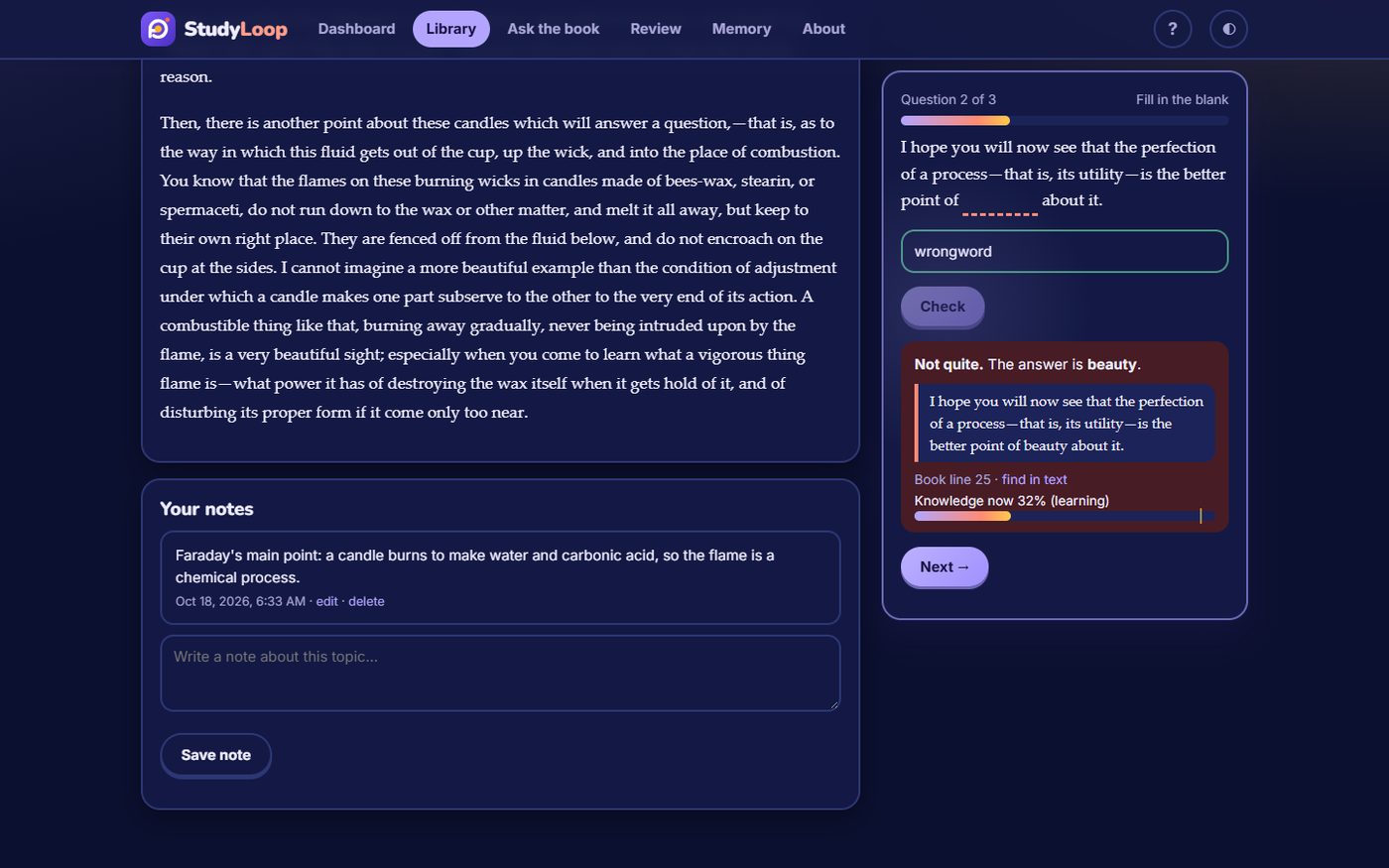
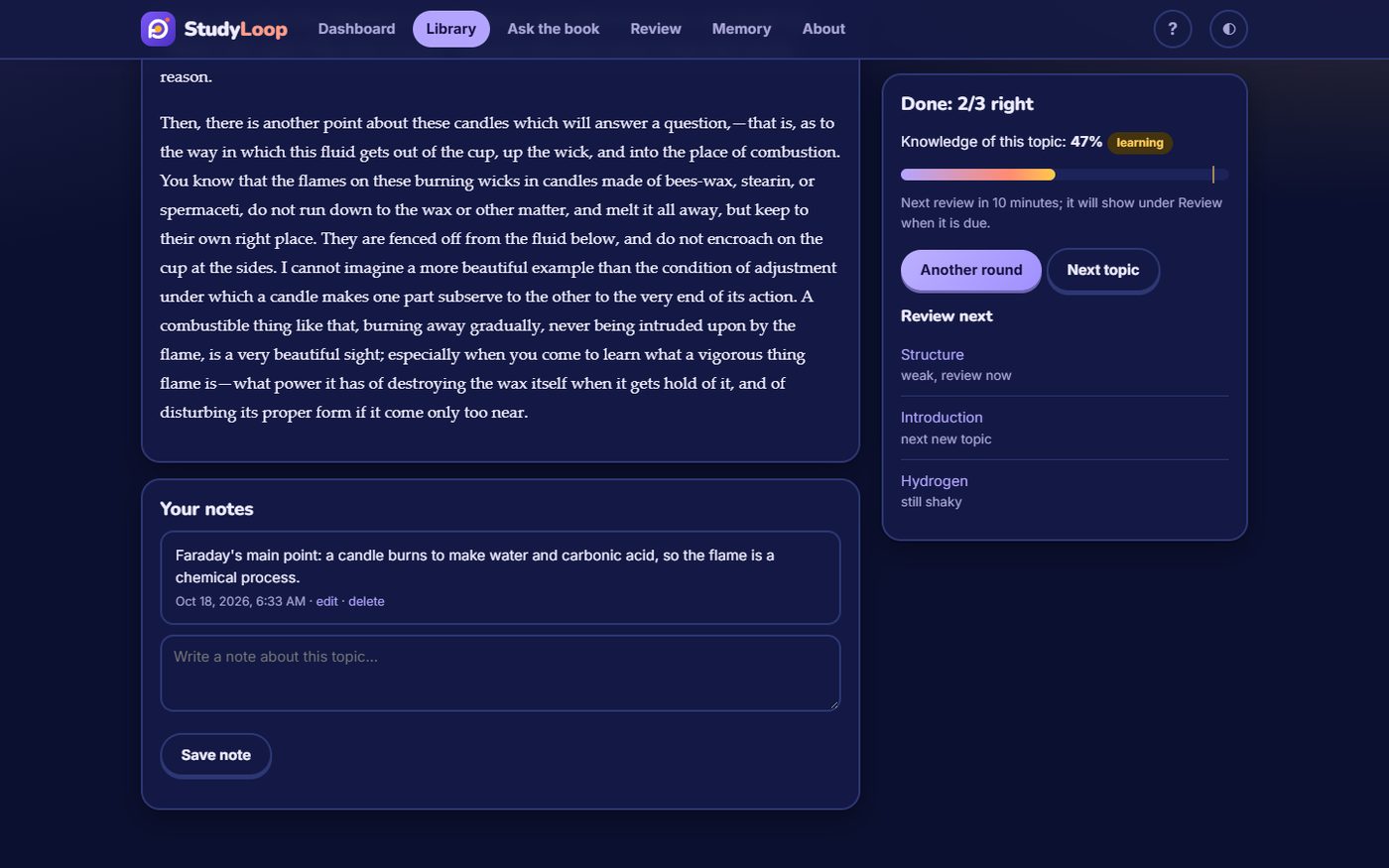
Review and mastery
Memory, notes and settings
Exports
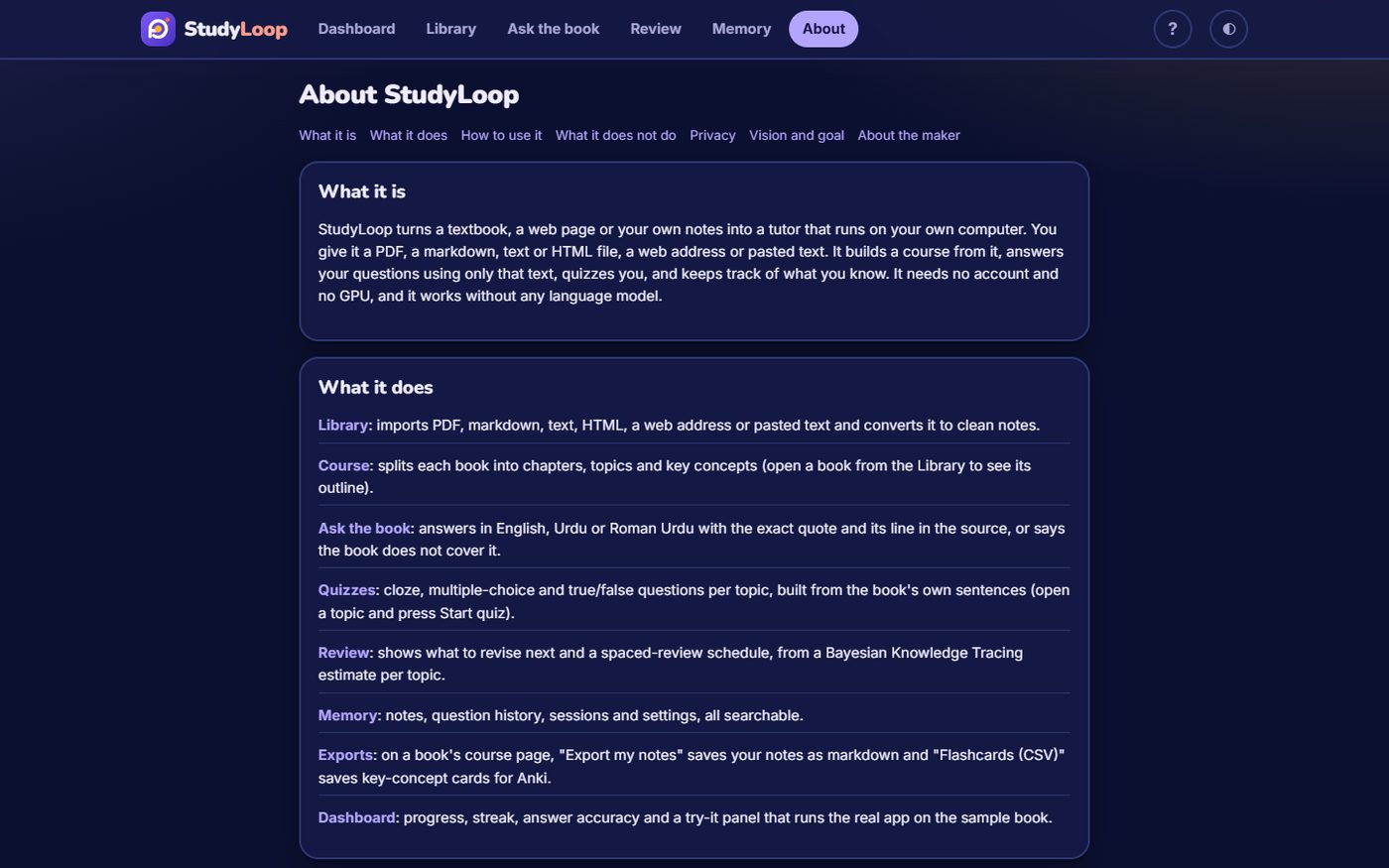
About
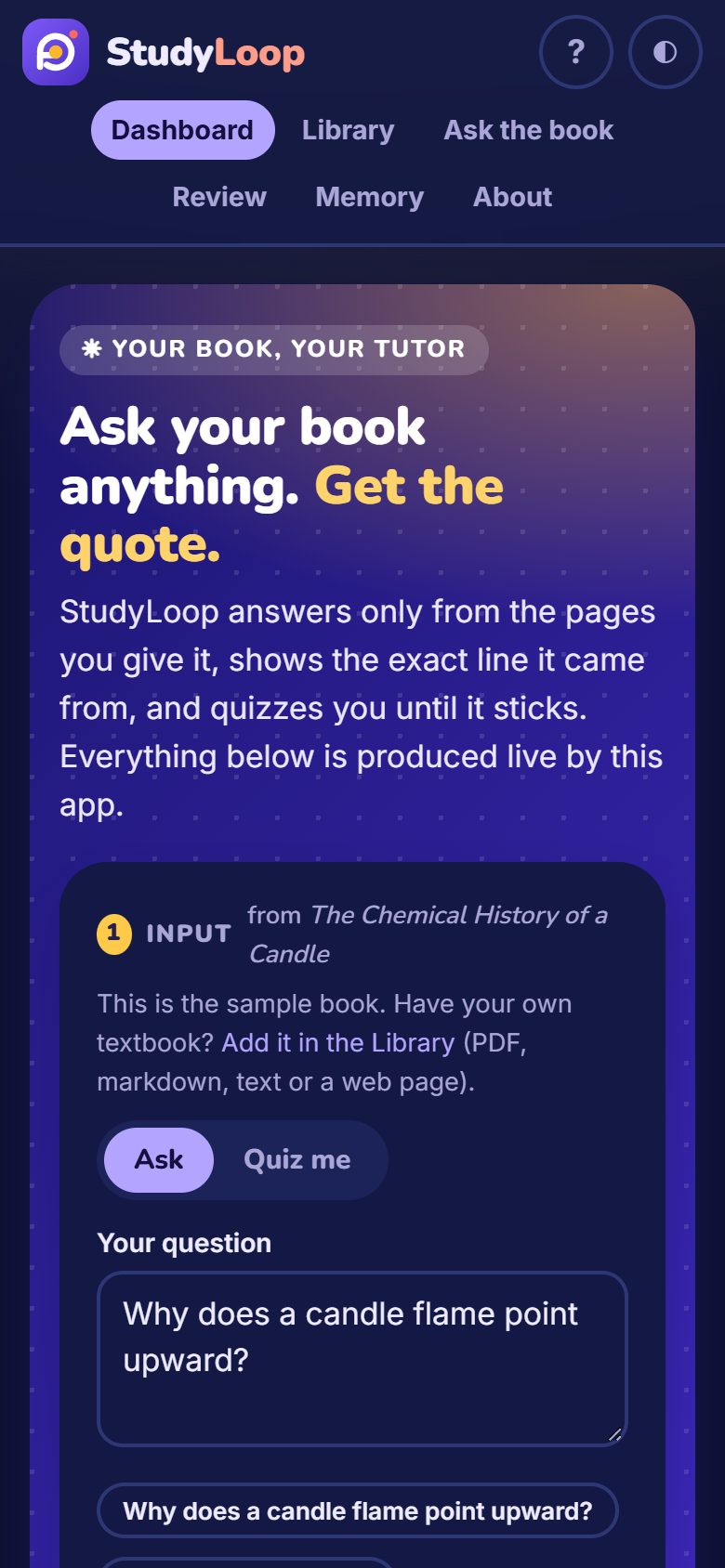
Light mode and phone
Inputs
| Feature | File upload | Drag and drop | Paste | Hint and example |
|---|---|---|---|---|
| Library (add a book) | file picker: PDF, .md, .txt, .html, up to 60 MB, with a progress bar | onto the drop box (one file; a dragged link or text is also taken) | web address, or text (markdown headings kept) | each input shows what it expects and has "Load example"; wrong type, size or empty file is refused in the browser with a clear message |
| Ask the book | not applicable | not applicable | one question, up to 1,000 characters | example chips; to ask about your own passage, paste it as text in the Library, where it becomes a book |
| Notes | not applicable | not applicable | typed or pasted on a topic page | none |
The app also has an About page (nav entry and "?" in the header): what it is, how to use each input, limits, privacy, roadmap, the maker.
Tech stack
- Backend: Python 3.11+, FastAPI, Uvicorn, SQLite
- Ingestion: pypdf, book-to-skill (PDF/markdown to chapters), web-to-markdown (web page to clean markdown)
- Retrieval and learning: BM25 passage retrieval with phrase checks, Bayesian Knowledge Tracing, spaced review
- Urdu and Roman Urdu: urdunlp for script detection, transliteration and question mapping
- Frontend: vanilla JavaScript, HTML and CSS, no build step; light and dark themes; strict Content-Security-Policy
- Optional LLM: Ollama, Anthropic or any OpenAI-compatible API, with every quote verified against the book
- Tooling: uv, pytest, ruff, Playwright for the UI audit and gallery
Run it
uv run studyloop # starts the server, opens http://127.0.0.1:8765, loads the sample book on first run
or double-click run.bat. Options: --port, --no-browser, --no-sample, --db FILE. Data lives in ~/.studyloop/studyloop.sqlite3 (set STUDYLOOP_HOME to move it). Python 3.11+ and uv; everything runs on the CPU and works offline.
Optional language model (never required): set before launching
STUDYLOOP_LLM=ollama      STUDYLOOP_LLM_MODEL=qwen2.5:3b          # CPU Ollama on localhost:11434
STUDYLOOP_LLM=anthropic   ANTHROPIC_API_KEY=...                   # STUDYLOOP_LLM_MODEL defaults to claude-haiku-4-5
STUDYLOOP_LLM=openai      OPENAI_API_KEY=...  STUDYLOOP_OPENAI_BASE_URL=...
With a model, answers are written in prose and quizzes can add model-written questions. Neither is trusted: a quote that is not found in the book is dropped, and a model question is kept only when its supporting quote is found in the topic. If the model is down, the extractive answer is shown instead.